
In this article
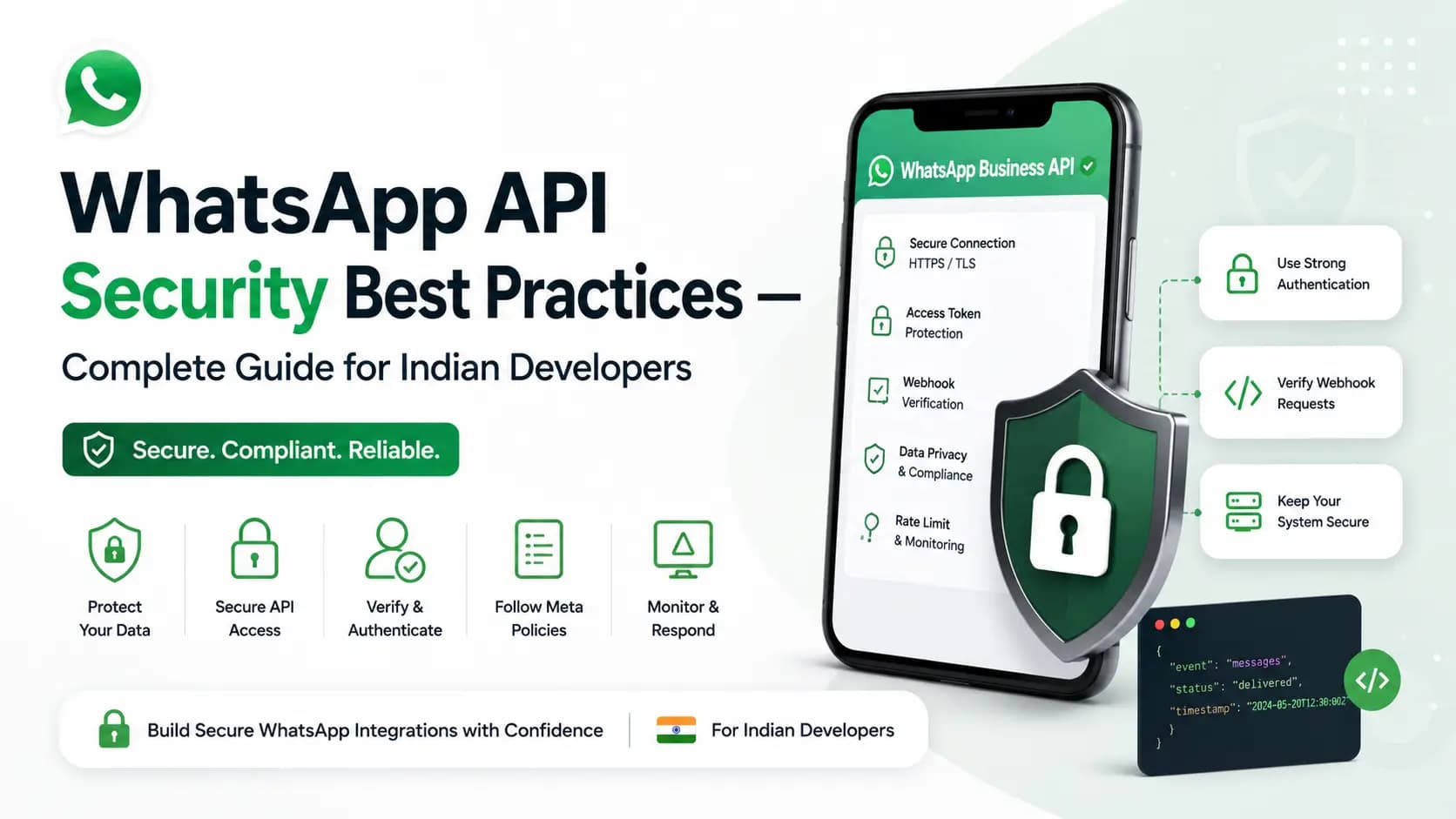
Explore the key concepts, practical considerations, and frequently asked questions related to whatsapp api security best practices- complete guide for indian developers.
Key takeaways
- Webhook signature verification uses HMAC-SHA256 to confirm inbound events genuinely came from Get Click Media, blocking attackers from injecting fake message or status events.
- DPDP 2023 compliance requires data minimisation, documented consent with timestamp and source, support for erasure requests, and India-hosted data residency in ap-south-1 (Mumbai).
- Sensitive data like Aadhaar or full financial account numbers should never appear in WhatsApp messages- send masked versions and use authentication-category templates for OTPs.
WhatsApp Business API security involves three layers. These are API credential security (storing API keys in environment variables, rotating keys regularly, IP allowlisting), webhook security (HMAC-SHA256 signature verification on every inbound event, HTTPS-only endpoints), and data security (DPDP 2023 compliance, customer data encryption at rest, opt-out management, no PII in message templates). Get Click Media's platform includes built-in security controls and DPDP-compliant data handling for all Indian clients.
WhatsApp Business API handles customer communication at scale- including OTPs, financial alerts, and personal information. A security breach in your WhatsApp integration can expose customer data, compromise your brand, and create legal liability under India's Digital Personal Data Protection Act 2023. This guide, maintained by Get Click Media's compliance and security team, covers every security layer: credential management, webhook security, data handling, and compliance. See also WhatsApp webhooks for the underlying setup this guide hardens.
Layer 1- API Credential Security
| Security practice | Implementation | Why it matters |
|---|---|---|
| Never hardcode API keys | Store in environment variables or secret managers (AWS Secrets Manager, HashiCorp Vault, GCP Secret Manager) | Hardcoded keys in source code get exposed through Git history or code leaks- a common source of WhatsApp API breaches |
| IP allowlisting | Restrict API key usage to specific IP addresses of your servers in GCM dashboard | Prevents key misuse even if the key is leaked- calls from unauthorised IPs are rejected |
| Key rotation | Rotate API keys every 90 days or immediately after any security incident | Limits exposure window if a key is compromised |
| Separate keys per environment | Use different API keys for development, staging, and production | Prevents dev key misuse from affecting production account |
| Minimum permissions | Request only the permissions your integration needs | Limits blast radius if credentials are compromised |
// WRONG- never do this
const API_KEY = 'gcm_live_abc123xyz...';

// CORRECT- environment variable
const API_KEY = process.env.GCM_API_KEY;
if (!API_KEY) throw new Error('GCM_API_KEY not set');

// Even better- use a secrets manager
const { SecretsManagerClient, GetSecretValueCommand } = require('@aws-sdk/client-secrets-manager');
const secretsClient = new SecretsManagerClient({ region: 'ap-south-1' }); // Mumbai region
const { SecretString } = await secretsClient.send(
  new GetSecretValueCommand({ SecretId: 'gcm/whatsapp-api-key' })
);
const { gcmApiKey } = JSON.parse(SecretString);
Layer 2- Webhook Security
| Security practice | Implementation | Why it matters |
|---|---|---|
| HTTPS only | Webhook endpoint must use valid HTTPS- no HTTP, no self-signed certs | Plain HTTP exposes customer message payloads to interception |
| Signature verification | HMAC-SHA256 on every request using webhook secret | Prevents spoofed requests from injecting fake messages or status updates into your system |
| Respond immediately | Return HTTP 200 within 5 seconds before processing | Prevents Meta from retrying and flooding your endpoint |
| Rate limit your endpoint | Implement per-IP rate limiting on your webhook handler | Prevents DDoS via fake webhook spam |
| Validate payload structure | Check expected fields exist before processing | Prevents crashes or injection attacks from malformed payloads |
import hmac
import hashlib
import os
from flask import Flask, request, jsonify

app = Flask(__name__)
WEBHOOK_SECRET = os.environ['GCM_WEBHOOK_SECRET']

def verify_signature(body_bytes: bytes, sig_header: str) -> bool:
    expected = hmac.new(
        WEBHOOK_SECRET.encode(),
        body_bytes,  # Use raw bytes- NOT parsed JSON
        hashlib.sha256
    ).hexdigest()
    return hmac.compare_digest(expected, sig_header)

@app.route('/webhook/whatsapp', methods=['POST'])
def webhook():
    sig = request.headers.get('X-GCM-Signature', '')
    if not verify_signature(request.get_data(), sig):
        return jsonify({'error': 'Unauthorized'}), 401

    return 'OK', 200  # Acknowledge FIRST
    # Process event async in background task
For the endpoint this hardens, see the full WhatsApp webhooks setup guide.
Layer 3- Data Security and DPDP 2023 Compliance
| Requirement | What it means for WhatsApp API | How GCM helps |
|---|---|---|
| Consent before sending | Every customer you send marketing messages to must have given explicit consent | GCM provides opt-in collection flow templates and consent record storage |
| No PII in templates submitted to Meta | Message templates submitted to Meta for approval should not contain sensitive personal data fields | GCM reviews templates before submission- flags PII-sensitive variable usage |
| Data minimisation | Collect only the personal data necessary for the WhatsApp interaction | GCM chatbot flows are designed to collect minimum necessary data |
| Right to erasure | If a customer requests deletion of their data, your systems must comply | GCM's opt-out management purges WhatsApp interaction data on request |
| India data residency | Customer personal data must not be transferred outside India without safeguards | GCM processes all customer data on India-hosted infrastructure- ap-south-1 (Mumbai) |
| Audit trail | Maintain records of consent, opt-outs, and message interactions | GCM retains consent records and interaction logs for 2 years for audit purposes |
India's Digital Personal Data Protection Act 2023 imposes significant obligations on businesses processing personal data- including customer phone numbers, names, and communication content. WhatsApp Business API deployments that collect customer data via chatbot flows or store interaction history must comply with DPDP's consent, minimisation, and erasure requirements. Get Click Media's compliance team reviews integration designs for DPDP compliance on request.
Layer 4- Message Content Security
- Never send OTPs in plain text in message bodies that are also logged- use authentication-category templates designed for OTP delivery with appropriate security properties
- Do not include full financial account numbers, credit card numbers, or national ID numbers (Aadhaar) in WhatsApp messages- send masked versions only
- Do not use WhatsApp API to send sensitive documents unencrypted- share secure download links rather than raw file attachments for sensitive content
- Verify payment amounts and references server-side before sending payment confirmation messages- do not rely on client-side data
- Implement message content logging with field-level encryption for messages containing financial data- required for banking and fintech deployments
Security Checklist- Pre-Production
| Check | Status |
|---|---|
| API keys stored in environment variables or secrets manager- not in code | Pass / Fail |
| IP allowlisting configured in GCM dashboard | Pass / Fail |
| Webhook endpoint uses HTTPS with valid certificate | Pass / Fail |
| Webhook signature verification implemented and tested | Pass / Fail |
| Webhook returns 200 before processing (async processing) | Pass / Fail |
| Rate limiting implemented on webhook endpoint | Pass / Fail |
| Customer opt-in consent collection flow built and tested | Pass / Fail |
| Opt-out handling: customer STOP message immediately removes from sends | Pass / Fail |
| No PII in message templates submitted to Meta | Pass / Fail |
| India data residency confirmed with infrastructure team | Pass / Fail |
| DPDP consent records stored with timestamp and source | Pass / Fail |
| Penetration test or security review completed for API integration | Pass / Fail |
Frequently Asked Questions- WhatsApp API Security
Is WhatsApp Business API secure for sending OTPs and financial alerts? Yes- WhatsApp Business API is secure for OTP and financial alert delivery when implemented correctly. WhatsApp uses end-to-end encryption for message delivery. The API itself uses HTTPS with TLS for all API calls. Authentication-category templates are specifically designed for OTP delivery with Meta's review ensuring appropriate usage. Banks, NBFCs, and fintech companies in India use WhatsApp API for OTP delivery and financial alerts at scale.
What is webhook signature verification and why is it required? Webhook signature verification uses HMAC-SHA256 to verify that an inbound webhook request genuinely came from Get Click Media's platform, not from an attacker spoofing your webhook endpoint. Without verification, an attacker could send fake message events to your webhook. This could inject false delivery confirmations or fake customer messages into your system. Verification takes 2 lines of code and should be implemented on every production webhook handler.
How should I store WhatsApp customer data to comply with DPDP 2023? Store only what you need for the stated purpose (minimisation). Obtain explicit consent before collecting data via chatbot flows. Store consent records with timestamp and collection source. Enable customers to request data deletion (erasure)- your system must process this within a reasonable timeframe. Use India-hosted infrastructure to maintain India data residency. Get Click Media provides India-hosted infrastructure for all client data.
What should I do if my WhatsApp API key is compromised? Immediately: (1) log into GCM dashboard and invalidate the compromised key, (2) generate a new API key, (3) deploy the new key to all servers, (4) review API logs for the compromised key period to identify unauthorised activity, (5) check if any customer data was accessed, (6) if customer data was exposed, report to relevant authorities per DPDP 2023 requirements. Contact Get Click Media's security team for log analysis and breach assessment.
Get Started
Ready to lock down your integration? Review WhatsApp webhooks and WhatsApp API documentation alongside this guide, then talk to our security team for a pre-production review.
Get WhatsApp Business API- Read API Docs · Get API Access · Talk to Technical Team
Article topics
Frequently Asked Questions
Is WhatsApp Business API secure for sending OTPs and financial alerts?
Yes- WhatsApp Business API is secure for OTP and financial alert delivery when implemented correctly. WhatsApp uses end-to-end encryption for message delivery. The API itself uses HTTPS with TLS for all API calls. Authentication-category templates are specifically designed for OTP delivery with Meta's review ensuring appropriate usage. Banks, NBFCs, and fintech companies in India use WhatsApp API for OTP delivery and financial alerts at scale.
What is webhook signature verification and why is it required?
Webhook signature verification uses HMAC-SHA256 to verify that an inbound webhook request genuinely came from Get Click Media's platform, not from an attacker spoofing your webhook endpoint. Without verification, an attacker could send fake message events to your webhook. This could inject false delivery confirmations or fake customer messages into your system. Verification takes 2 lines of code and should be implemented on every production webhook handler.
How should I store WhatsApp customer data to comply with DPDP 2023?
Store only what you need for the stated purpose (minimisation). Obtain explicit consent before collecting data via chatbot flows. Store consent records with timestamp and collection source. Enable customers to request data deletion (erasure)- your system must process this within a reasonable timeframe. Use India-hosted infrastructure to maintain India data residency. Get Click Media provides India-hosted infrastructure for all client data.
What should I do if my WhatsApp API key is compromised?
Immediately: (1) log into GCM dashboard and invalidate the compromised key, (2) generate a new API key, (3) deploy the new key to all servers, (4) review API logs for the compromised key period to identify unauthorised activity, (5) check if any customer data was accessed, (6) if customer data was exposed, report to relevant authorities per DPDP 2023 requirements. Contact Get Click Media's security team for log analysis and breach assessment.
About the author
Get Click Media creates practical resources for businesses using messaging, automation, analytics, and digital communication to improve customer engagement. This article was published on .