
In this article
Explore the key concepts, practical considerations, and frequently asked questions related to whatsapp business app vs business api: which does your business need?.
Key takeaways
- WhatsApp Business App caps broadcasts at 256 contacts per list and one device, which breaks down past roughly 50 daily conversations.
- Upgrading to the API is invisible to customers- same number and name- but old App chat history stays on the device and does not migrate.
- The first 1,000 customer-initiated conversations per month are free on the API, and most businesses go live within 3-5 business days.
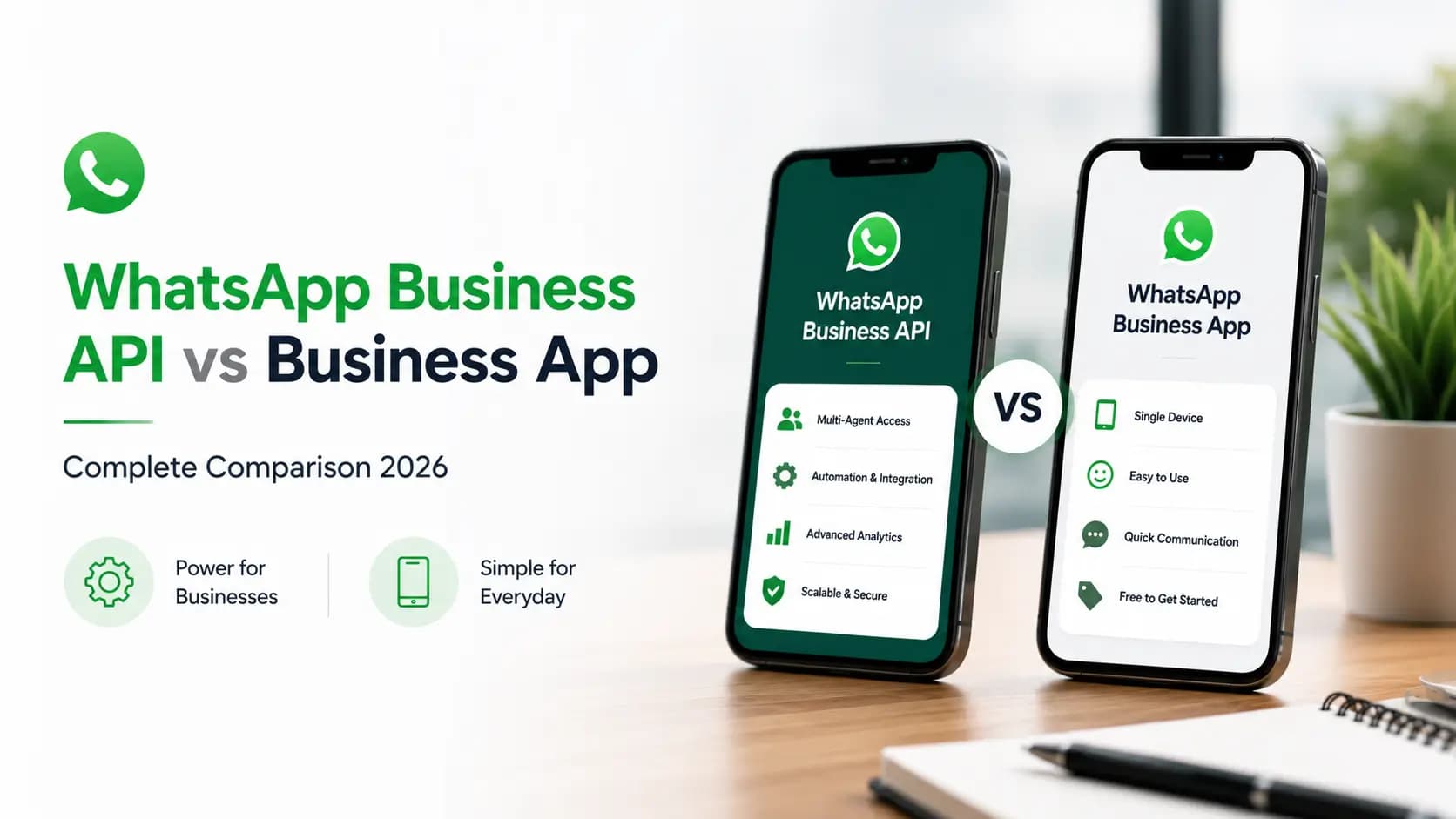
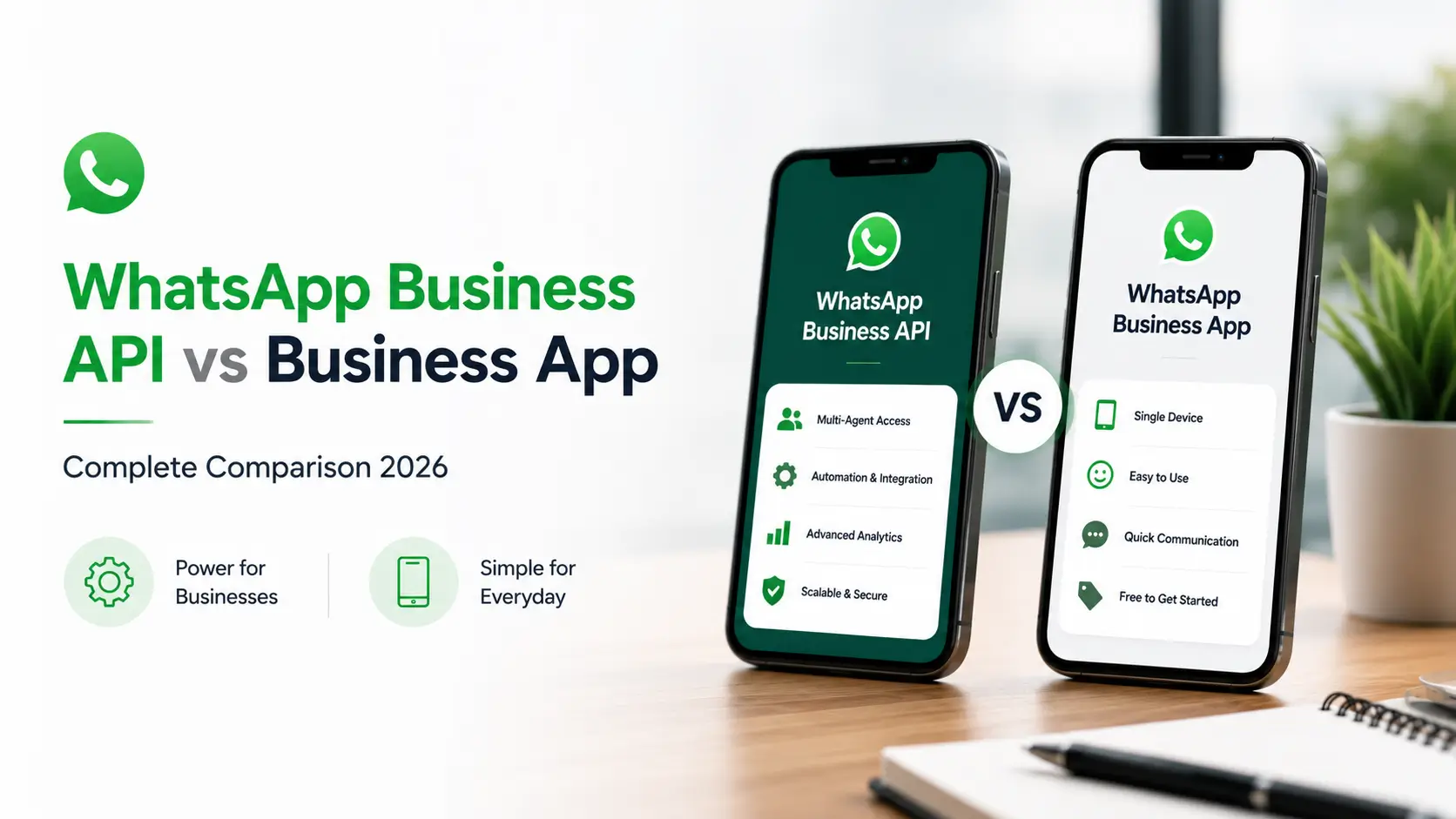
WhatsApp Business API and WhatsApp Business App are two different Meta products for business messaging. WhatsApp Business App is a free mobile app for small businesses- limited to 256 broadcast contacts, 1 device, and no automation or CRM integration. WhatsApp Business API, now called WhatsApp Business Platform, is Meta's enterprise solution- with unlimited contacts, multi-agent inbox, full automation, CRM integration, and REST API access- available through an authorised BSP like Get Click Media.
If you are currently using the WhatsApp Business App and wondering whether to upgrade to the API- or evaluating WhatsApp for your business for the first time and trying to decide which product you need- this page gives you a complete, honest side-by-side breakdown.
Quick answer: WhatsApp Business App is the right choice if you have fewer than 50 customer conversations per day and manage everything manually. WhatsApp Business API is the right choice if you need automation, scale, CRM integration, or if WhatsApp is a core channel for your business operations. The full 20-point comparison and decision matrix below walk through exactly why.
Upgrade from WhatsApp Business App to API- Official Meta BSP · 3–5 day setup · Keep your number · Bengaluru-based support. Upgrade to WhatsApp API · Request a Demo · View Pricing
Quick Summary- Which Is Right for You?
| Your situation | Right choice |
|---|---|
| Under 50 WhatsApp conversations per day, managed manually | WhatsApp Business App- free, sufficient for your scale |
| Over 50 conversations per day- team struggling to keep up | WhatsApp Business API- automation handles volume |
| Need multiple agents on the same WhatsApp number | WhatsApp Business API- multi-agent inbox |
| Want to automate order confirmations, appointment reminders, payment alerts | WhatsApp Business API- trigger-based automation |
| Need to integrate WhatsApp with CRM, OMS, or helpdesk | WhatsApp Business API- full API and pre-built connectors |
| Running campaigns to 1,000+ customers | WhatsApp Business API- no broadcast limit for opted-in contacts |
| Want a chatbot to handle FAQs and qualify leads 24/7 | WhatsApp Business API- chatbot platform included |
| Just starting out, testing WhatsApp for customer service | WhatsApp Business App- start free, upgrade when needed |
WhatsApp Business API vs App- 20-Point Comparison
| Feature | WhatsApp Business API | WhatsApp Business App |
|---|---|---|
| Cost | Paid- conversation-based pricing + platform fee | Free- download from App Store or Play Store |
| Setup | 3–5 days via a BSP like Get Click Media | Minutes- download and install |
| Who needs it | Medium to large businesses with 50+ WA conversations/day | Small businesses with under 50 conversations/day |
| Message volume | Unlimited (tiered- 1K to unlimited per day) | No formal limit but practically constrained by manual effort |
| Broadcast limit | Unlimited- to all opted-in contacts via approved templates | 256 contacts per broadcast list |
| Number of devices | Unlimited agents via shared inbox | Linked devices feature- up to 4 linked, 1 primary |
| Automation | Full- trigger-based workflows, chatbot, scheduled messages | Basic- quick replies and away messages only |
| CRM integration | Yes- Salesforce, HubSpot, Zoho, Freshdesk, custom | No API- no CRM integration possible |
| API access | Yes- full REST API and webhooks | No |
| Chatbot | Yes- AI and rule-based chatbot flows | No |
| WhatsApp Flows | Yes- interactive in-chat forms | Not available |
| Catalog size | Unlimited- auto-synced via Catalog API | Up to 500 products- manual upload |
| Verified business name | Yes- official display name on all messages | Business name shown (not Meta-verified) |
| Green Tick eligibility | Yes- available after Meta verification | Not available for App accounts |
| Analytics | Full- delivery, read, click, conversion tracking | Basic message status only |
| Click-to-WhatsApp Ads | Yes- direct integration with Meta Ads Manager | Not available |
| Payment integration | Yes- Razorpay, PayU, UPI, WhatsApp Pay | Not available |
| Multi-language chatbot | Yes- Hindi, English, regional language detection | Manual- agent must switch language |
| OTP and authentication | Yes- Authentication message category | Not supported |
| Compliance tools | Automated opt-out, DPDP controls, quality score monitoring | Manual tracking only |
The 5 Limits of WhatsApp Business App That Force the Upgrade
Most Indian businesses start on the WhatsApp Business App because it is free and easy. These are the 5 moments when the App stops being sufficient and the API becomes necessary.
1. The 256-contact broadcast wall. WhatsApp Business App broadcasts are limited to 256 contacts per list, and those contacts must have saved your number. For a business with 10,000 customers, running a Diwali sale campaign means creating 40 separate broadcast lists, sending each manually, and hoping every contact has your number saved. On the API, you can run a full WhatsApp broadcast to any number of opted-in customers simultaneously.
2. The single-agent bottleneck. WhatsApp Business App runs on one primary device. Linked devices (up to 4) help, but conversations aren't properly distributed across agents- the same message might be seen by multiple agents, or missed entirely during handoff. For a customer service team, the App creates chaos. The API gives every agent their own interface with proper conversation routing, assignment, and SLA tracking.
3. The zero-automation problem. WhatsApp Business App has no true automation- only quick replies and away messages. There's no trigger-based automation: no order confirmation that fires when a purchase is made, no appointment reminder sent 24 hours before a booking, no payment reminder before an EMI due date. Every message requires a human to manually hit send. At scale, this isn't viable.
4. The invisible customer problem. WhatsApp Business App doesn't integrate with your CRM. When a customer messages, your sales team has no context- no purchase history, no lead score, no previous support tickets. They start every conversation blind. With WhatsApp Business API and CRM integration, the agent opens the conversation and immediately sees the customer's complete history.
5. The analytics void. WhatsApp Business App shows tick status for individual messages but provides no campaign-level analytics. You can't measure how many people opened your broadcast, which link they clicked, what percentage converted, or which message drove the most enquiries. The API tracks every message event and surfaces campaign performance, conversion attribution, and chatbot completion rates in a dashboard.
When to Use WhatsApp Business API vs App- Decision Matrix
| Business scenario | Use | Reason |
|---|---|---|
| Freelancer or solo business- under 20 messages/day | App | Free is sufficient- no automation needed at this scale |
| Small retail shop- manually taking orders on WhatsApp | App to start | Fine under 30 orders/day; plan to upgrade at 50+ |
| D2C brand- 100+ orders/day needing order confirmations | API | Order automation alone justifies the API cost at this volume |
| Coaching institute- 200+ admission enquiries daily | API | Volume + qualification automation + CRM sync essential |
| Bank or NBFC- EMI reminders to 50,000+ customers | API | Bulk utility messaging requires API- App cannot do this |
| Hospital- appointment reminders for 500 patients/day | API | Trigger-based automation + HMS integration requires API |
| E-commerce brand- running campaigns to customer list | API | Broadcast to 1,000+ requires API + approved templates |
| Startup- just launching, testing WhatsApp for support | App first | Start free, validate the channel, upgrade when volume hits 50+ |
| Business with 3+ customer service agents on WhatsApp | API | Multi-agent inbox is only available on API |
| Any business wanting chatbot or CRM integration | API | Neither feature exists on the App |
How to Upgrade from WhatsApp Business App to API
If you're currently on the App and ready to upgrade, here's what the transition looks like.
| Step | Action | Time | Important note |
|---|---|---|---|
| 1 | Contact Get Click Media to start onboarding | Day 1 | Share your current business WhatsApp number with us |
| 2 | Complete Meta Business Manager verification | Day 1–3 | Submit business registration + GST certificate + website |
| 3 | Deregister number from WhatsApp Business App | Day 3–4 | The App and API cannot use the same number simultaneously |
| 4 | Register number on WhatsApp Business Platform via GCM | Day 3–4 | GCM handles this- takes 30–60 minutes after deregistration |
| 5 | Set up templates, chatbot, and integrations | Day 3–5 | GCM team configures your initial setup |
| 6 | Go live on API- first message sent | Day 4–5 | Your customers see the same number- no disruption to them |
Your number stays the same: Customers do not notice the migration from App to API. The same phone number continues to appear in their WhatsApp- only the backend infrastructure changes. All existing conversations in the App are preserved on the device. New conversations from go-live are handled by the API.
Cost Comparison- WhatsApp App vs API
The WhatsApp Business App is free. The API is paid. But the real comparison isn't "App: zero vs API: paid"- it's "App: free but limited vs API: paid but revenue-generating."
| Cost dimension | WhatsApp Business App | WhatsApp Business API |
|---|---|---|
| Monthly platform cost | ₹0- completely free | Platform fee based on volume (contact GCM for rates) |
| Per-message cost | ₹0 | Conversation-based- marketing ₹0.79–0.91, utility ₹0.14–0.17 |
| Hidden cost: agent time | High- every message requires a human | Low- 60–70% of messages automated |
| Hidden cost: missed leads | High- no 24/7 coverage, leads go cold | Zero- chatbot responds instantly at any hour |
| Hidden cost: lost sales (slow response) | High- average Indian lead goes cold in under 10 minutes | Near zero- sub-5-second automated response |
| Revenue enabled | Limited to what your team can manually handle | Unlimited- automation scales to any volume |
| ROI at 200 daily conversations | Declining- team overwhelmed, quality drops | Positive- automation handles most, agents focus on high value |
The real cost question: The right question isn't "how much does WhatsApp API cost?" but "how much revenue am I losing by not having automation?" A D2C brand receiving 500 daily enquiries but manually responding to only 50 (the team's capacity) is leaving 450 potential customers without a response. Even converting 10% of those missed leads at ₹1,500 AOV = ₹67,500 per day in lost revenue. WhatsApp API automation at ₹30,000–40,000 per month pays back in under a day.
Frequently Asked Questions
What is the main difference between WhatsApp Business API and WhatsApp Business App? WhatsApp Business App is a free mobile app for small businesses- limited to 256 broadcast contacts, single device use, basic quick replies, and no API access or CRM integration. WhatsApp Business API (now WhatsApp Business Platform) is Meta's enterprise solution with unlimited contacts, multi-agent inbox, trigger-based automation, chatbot, CRM integration, and full REST API access- requiring a Meta-authorised BSP like Get Click Media for setup.
Can I use both WhatsApp Business API and App at the same time? No- the same phone number cannot be simultaneously active on both. You must choose one. When you upgrade to the API, the number is deregistered from the App and registered on the Platform. You can use the App on a different number for a different purpose, such as internal team communication, while the API handles customer-facing messaging.
Will my customers notice when I switch from WhatsApp Business App to API? No. From the customer's perspective, nothing changes- same number, same business name and profile picture. The switch is entirely a backend infrastructure change. Existing conversation history remains on the device from the App period; new conversations from the go-live date are managed through the API.
Is WhatsApp Business API free for small businesses? The first 1,000 service conversations per month (customer-initiated) are free. Beyond that, the API charges per conversation, plus a platform fee. For businesses with under 1,000 customer-initiated conversations per month and no need for outbound marketing, the free WhatsApp Business App may be sufficient.
How long does it take to upgrade from WhatsApp Business App to API? With Get Click Media managing the process, most businesses go live within 3 to 5 business days- Meta Business Manager verification (1–3 days), number deregistration and registration (1 day), and template and chatbot setup (1–2 days)- with no downtime throughout.
What happens to my WhatsApp Business App chat history when I upgrade? Your existing chat history stays on the device it was stored on; it does not transfer to the API platform, since WhatsApp does not migrate historical conversations. New conversations from go-live are managed through the API dashboard. We recommend exporting chats before migration if you need the records.
Can I send WhatsApp broadcasts to my existing App contacts after upgrading to API? Yes, but only to contacts who have opted in to receive messages from your business number, using Meta-approved templates. Contacts who haven't formally opted in will need an opt-in collection campaign first.
Does WhatsApp Business API work for very small businesses in India? Yes, but the economics only make sense at a certain volume. Under 30 conversations per day, the free App is likely sufficient. At 50+ conversations per day- or any need for automation, CRM integration, or multi-agent support- the API delivers positive ROI. Get Click Media has a Starter plan with no minimum monthly commitment for businesses transitioning from App to API.
Get Started
Whether you're testing WhatsApp for the first time or hitting the ceiling of what the free App can handle, the decision comes down to volume and automation needs. Explore how to get WhatsApp Business API, compare Get Click Media as a WhatsApp Business API provider in India, or read about WhatsApp Green Tick verification and our broader WhatsApp marketing services to see the full picture before you upgrade. Only starting to notice the App's limits rather than ready to switch? See the narrower 6 signs you've outgrown the WhatsApp Business App.
Upgrade from WhatsApp Business App to API- Official Meta BSP · 3–5 day setup · Keep your number · Bengaluru-based support. Upgrade to WhatsApp API · Request a Demo · View Pricing
Article topics
Frequently Asked Questions
What is the main difference between WhatsApp Business API and WhatsApp Business App?
WhatsApp Business App is a free mobile app for small businesses- limited to 256 broadcast contacts, single device use, basic quick replies, and no API access or CRM integration. WhatsApp Business API (now WhatsApp Business Platform) is Meta's enterprise solution with unlimited contacts, multi-agent inbox, trigger-based automation, chatbot, CRM integration, and full REST API access- requiring a Meta-authorised BSP like Get Click Media for setup.
Can I use both WhatsApp Business API and App at the same time?
No- the same phone number cannot be simultaneously active on both WhatsApp Business App and the API. You must choose one. When you upgrade to the API, the number is deregistered from the App and registered on the Platform. You can, however, use the App on a different phone number for a different purpose- for example, internal team communication while the API handles customer-facing messaging.
Will my customers notice when I switch from WhatsApp Business App to API?
No. From the customer's perspective, nothing changes. They still see the same phone number, business name, and profile picture. The switch is entirely a backend infrastructure change, invisible to customers. Existing conversation history remains on your device from the App period, while new conversations from the go-live date are managed through the API platform.
Is WhatsApp Business API free for small businesses?
The first 1,000 service conversations per month (customer-initiated) are free. Beyond that, WhatsApp API charges per conversation, and the API also requires a platform fee paid to your BSP. For businesses with under 1,000 customer-initiated conversations per month and no need for outbound marketing, the free WhatsApp Business App may be sufficient.
How long does it take to upgrade from WhatsApp Business App to API?
With Get Click Media managing the process, most businesses go live within 3 to 5 business days: Meta Business Manager verification (1–3 days), number deregistration from the App and registration on the Platform (1 day), and template and chatbot setup (1–2 days). There is no downtime- your number keeps receiving messages throughout.
What happens to my WhatsApp Business App chat history when I upgrade?
Your existing chat history from the WhatsApp Business App remains on the device it was stored on- it does not transfer to the API platform, since WhatsApp does not migrate historical conversations during an App-to-API upgrade. From the go-live date, all new conversations are managed through the API dashboard. We recommend exporting chats before migration if you need the records.
Can I send WhatsApp broadcasts to my existing App contacts after upgrading to API?
Yes, but only to contacts who have opted in to receive messages from your business number. After upgrading, you can send broadcast messages to opted-in contacts using Meta-approved templates. Contacts who have not explicitly opted in cannot receive business-initiated messages on the API, so you'll need to run an opt-in collection campaign first if your App contacts haven't formally opted in.
Does WhatsApp Business API work for very small businesses in India?
Yes, but the economics only make sense at a certain volume. For businesses with under 30 WhatsApp conversations per day, the free WhatsApp Business App is likely sufficient. For businesses with 50+ conversations per day- or any business that needs automation, CRM integration, or multi-agent support- the API delivers a positive ROI. Get Click Media has a Starter plan with no minimum monthly commitment for businesses transitioning from App to API.
About the author
Get Click Media creates practical resources for businesses using messaging, automation, analytics, and digital communication to improve customer engagement. This article was published on and was last reviewed on .