
In this article
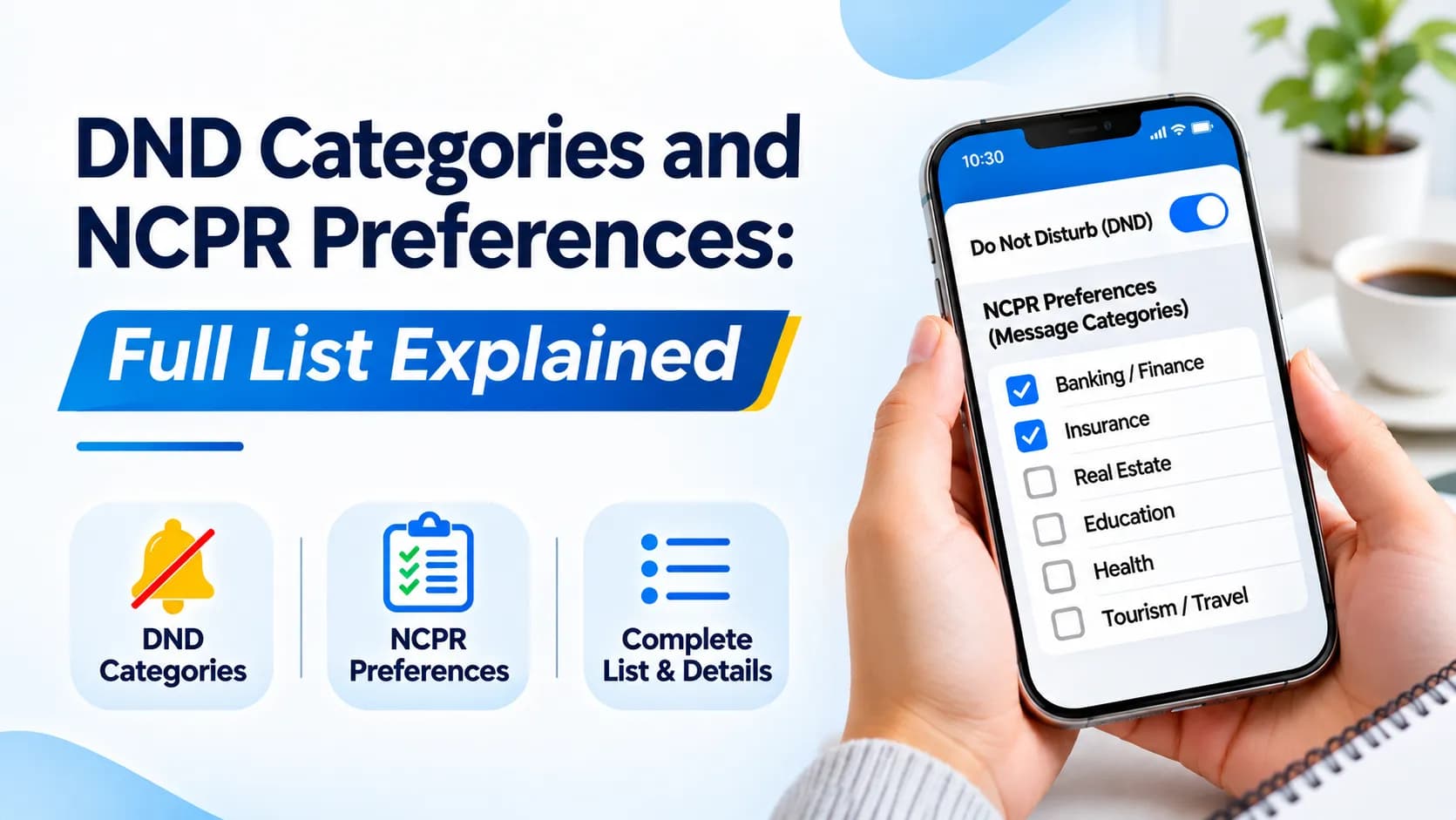
Explore the key concepts, practical considerations, and frequently asked questions related to dnd categories and ncpr preferences: full list explained.
Key takeaways
- NCPR (formerly NDNC) is TRAI's preference register, usually called DND.
- You choose full block or partial block with specific categories allowed.
- Senders must register each promotional template under a category, and can only reach partial-block users who allowed it.
Updated: 24 November 2026. Category names and numbers are set by TRAI. Confirm the current list on TRAI's website before relying on a code.
When you register for DND, you are not just flipping a switch. You are telling TRAI which kinds of promotional messages you will accept. Those kinds are called categories, and they decide what reaches your phone. For businesses, the same categories decide who they are allowed to message.
What is NCPR (formerly NDNC)?
The National Customer Preference Register (NCPR) is TRAI's central database of phone numbers and their promotional preferences. It replaced the National Do Not Call (NDNC) register in 2011, which is why people still call it "DND". Every telecom operator keeps its part of the register in sync, and every promotional sender must check against it before sending.
If you are just getting started, our guide to what DND means explains the basics.
Full block vs partial block
There are two ways to register:
- Full block: you refuse promotional communication in every category. Code
0when you register by SMS. - Partial block: you refuse promotions in general but allow one or more categories you are interested in.
Neither option affects transactional or service messages. OTPs, bank account alerts, booking confirmations and delivery updates arrive regardless.
Category list with codes
These are the promotional categories under TRAI's current scheme:
| Code | Category | Typical promotions |
|---|---|---|
| 0 | Full block | Nothing promotional |
| 1 | Banking, insurance, financial products, credit cards | Loan offers, card upgrades, insurance plans |
| 2 | Real estate | Project launches, site visits |
| 3 | Education | Courses, coaching, admissions |
| 4 | Health | Clinics, diagnostics, wellness |
| 5 | Consumer goods and automobiles | Retail sales, car launches, appliances |
| 6 | Communication, broadcasting, entertainment, IT | DTH, OTT, telecom plans, software |
| 7 | Tourism and leisure | Holiday packages, hotels, flights |
| 8 | Food and beverages | Restaurant and delivery offers |
To allow categories, you send START with the codes, for example START 1,7. Step-by-step instructions are in our guide on how to set your DND preferences.
What senders can and cannot send to each
On the business side, every promotional SMS template on DLT is registered under one of these categories. When a campaign goes out, the system compares the template's category with each recipient's preference:
| Recipient preference | Promotional message in category X |
|---|---|
| Not registered | Delivered |
| Full block | Blocked |
| Partial block, category X allowed | Delivered |
| Partial block, category X not allowed | Blocked |
That is why businesses do category-wise DND scrubbing rather than removing every DND number. A bank promoting a credit card can still reach partial-block users who allowed category 1. See our guide to category-wise DND scrubbing for how this works in practice, and the TRAI DND rules for bulk SMS for the wider rules.
Registering a promotional template under the wrong category to reach more people is a DLT violation and can get the template or header blocked.
How to change categories
You can change your categories at any time:
- Send a new
STARTmessage to 1909 with the codes you now want to allow. The new message replaces your old preference. - Use the TRAI DND app or your operator app to tick or untick categories.
- To remove DND entirely, follow our guide to deactivate DND.
After changing, check your DND status to confirm the update.
Article topics
Frequently Asked Questions
What is NCPR?
NCPR is the National Customer Preference Register, TRAI's database of numbers that have opted out of some or all promotional SMS and calls. It replaced the older National Do Not Call (NDNC) register.
How many DND categories are there?
Under the current TRAI regulations there are eight promotional categories, plus the option of full block. Always check TRAI or your operator for the latest list.
What is the difference between full block and partial block?
Full block stops promotions in every category. Partial block stops promotions except in the categories you choose to allow.
Can a business send me promotions if I am on partial block?
Only if its message is registered under a category you allowed. A bank can send you a card offer if you allowed banking, but a real estate developer cannot send you a project launch.
About the author
Get Click Media creates practical resources for businesses using messaging, automation, analytics, and digital communication to improve customer engagement. This article was published on .