
In this article
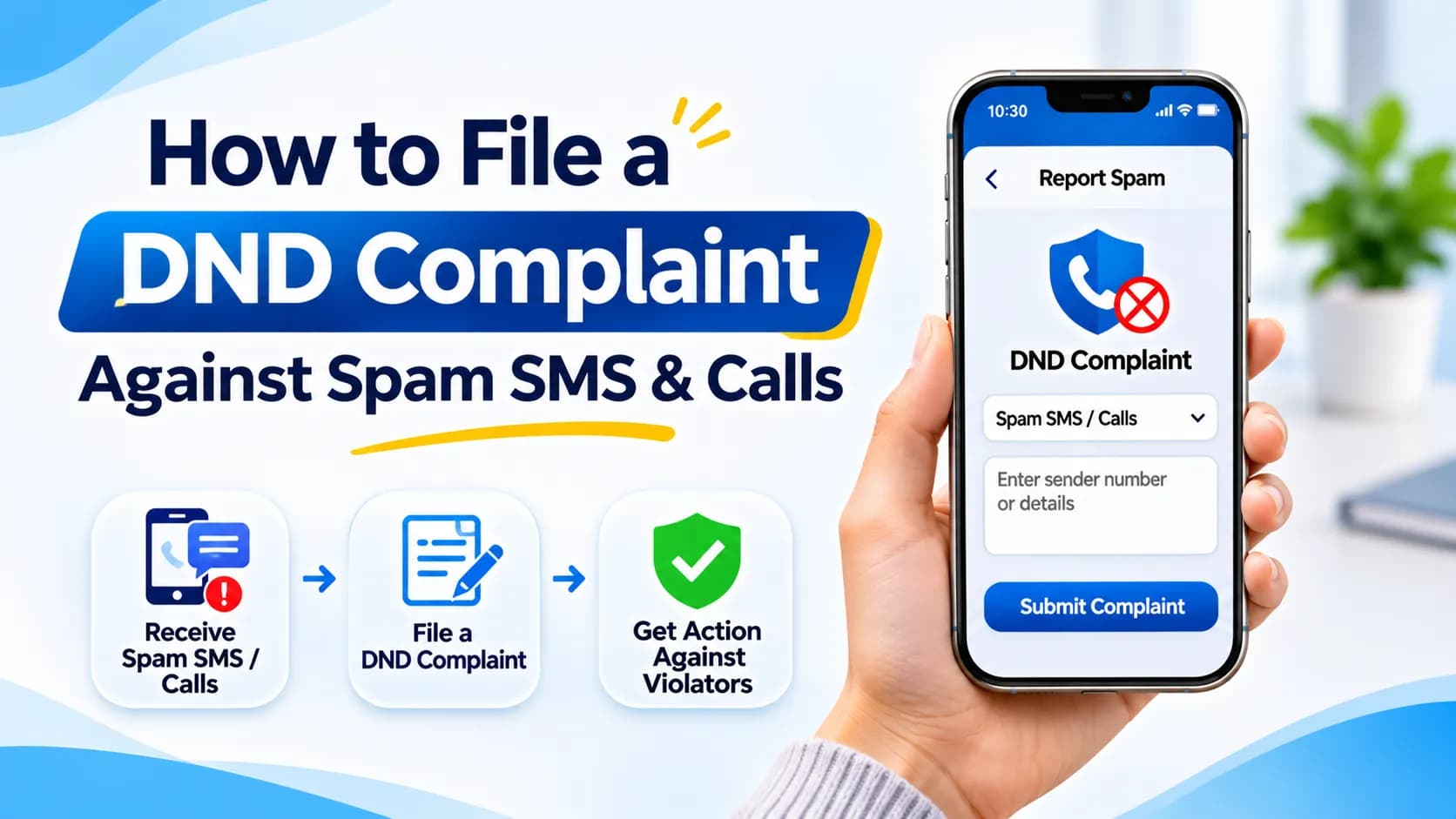
Explore the key concepts, practical considerations, and frequently asked questions related to how to file a dnd complaint against spam sms & calls.
Key takeaways
- File complaints by SMS or call to 1909, or in the TRAI DND app.
- Include the sender, the date and the message content.
- File quickly: there is a time limit of a few days.
- Repeat offenders face disconnection or blacklisting.
Updated: 24 November 2026. Formats and time limits are set by TRAI. Check the TRAI website for the latest rules.
DND is meant to stop promotional SMS and calls, but some still get through, either from businesses breaking the rules or from unregistered numbers. A complaint through 1909 is how you act on that, and it does have consequences for the sender. Before you file, make sure your number is registered. If it is not, activate DND first.
Complaint by SMS (format)
Send an SMS to 1909 from the number that received the spam. Include:
- The sender's number or header (for example
XX-OFFERSor+91 98xxxxxxxx) - The date you received it
- The message text, or a short description if it was a call
For example:
Spam from AD-SHOPXZ on 20/11/2026: "Flat 70% off, click link..."
You will get a reply with a complaint reference number. If any detail is missing, the reply usually tells you what to add.
By call 1909
Call 1909 and choose the option to register a complaint. Have the sender's number, date and a description ready. The IVR or an agent logs it and an SMS with your reference number follows.
TRAI DND app
The TRAI DND app is the easiest way to complain, especially for SMS. It can read the spam message directly from your inbox (with your permission) and fill in the details for you. For calls, it can pick the number from your call log. You can track your complaint status in the app.
Time limit to complain
Complaints have a short time limit. Under TRAI's rules the window is a few days from the date you received the message; a 2025 amendment extended it to 7 days. File as soon as you can, because older messages may not be accepted.
What happens to the sender
When your complaint arrives, the operator:
- Identifies the sender through the DLT records (header, template and telemarketer).
- Checks whether the message was promotional and whether your preference blocked it.
- Acts if there was a violation: warnings first, then restrictions, and for repeat or unregistered offenders, disconnection of the number and blacklisting across operators.
Complaints add up. A sender that keeps getting them can lose the ability to send SMS in India entirely.
For businesses: the other side of the complaint
If you send promotional SMS or calls, every 1909 complaint is traced back to your header or calling number. The surest way to avoid complaints is to scrub every promotional list against the NCPR register in real time and keep promotions on correctly categorised templates. Our DND scrubbing guide explains how businesses stay compliant, and Get Click Media's bulk SMS platform does this on every campaign.
Article topics
Frequently Asked Questions
What is the format for a DND complaint SMS?
Send an SMS to 1909 with the spam sender's number or header, the date you received it, and the message content or a short description. Operators accept a free-form message containing these details; if one is missing, the reply will tell you.
What is the time limit to file a DND complaint?
Complaints must be filed within a few days of receiving the message. TRAI extended the window to 7 days in its 2025 amendment to the TCCCPR rules. Check TRAI's site for the current limit.
Can I complain if I am not on DND?
You can report spam from unregistered senders through 1909 or the TRAI DND app at any time. Complaints about promotional messages from registered telemarketers are handled under DND rules only if you have blocked that category.
What happens after I complain?
The operator traces the sender, checks it against your preference and the DLT records, and acts if a violation is found. Actions range from warnings to disconnection or blacklisting for repeat offenders.
About the author
Get Click Media creates practical resources for businesses using messaging, automation, analytics, and digital communication to improve customer engagement. This article was published on .