
Razorpay Payments on WhatsApp & SMS
Send Razorpay payment links inside WhatsApp, remind customers before dues, confirm payments instantly, and recover failed transactions- all triggered from Razorpay payment events.
Official Meta BSP · Razorpay, PayU & UPI payment links · DLT-compliant SMS fallback
Trusted by 10,000+ businesses across India




















How does Razorpay work with WhatsApp?
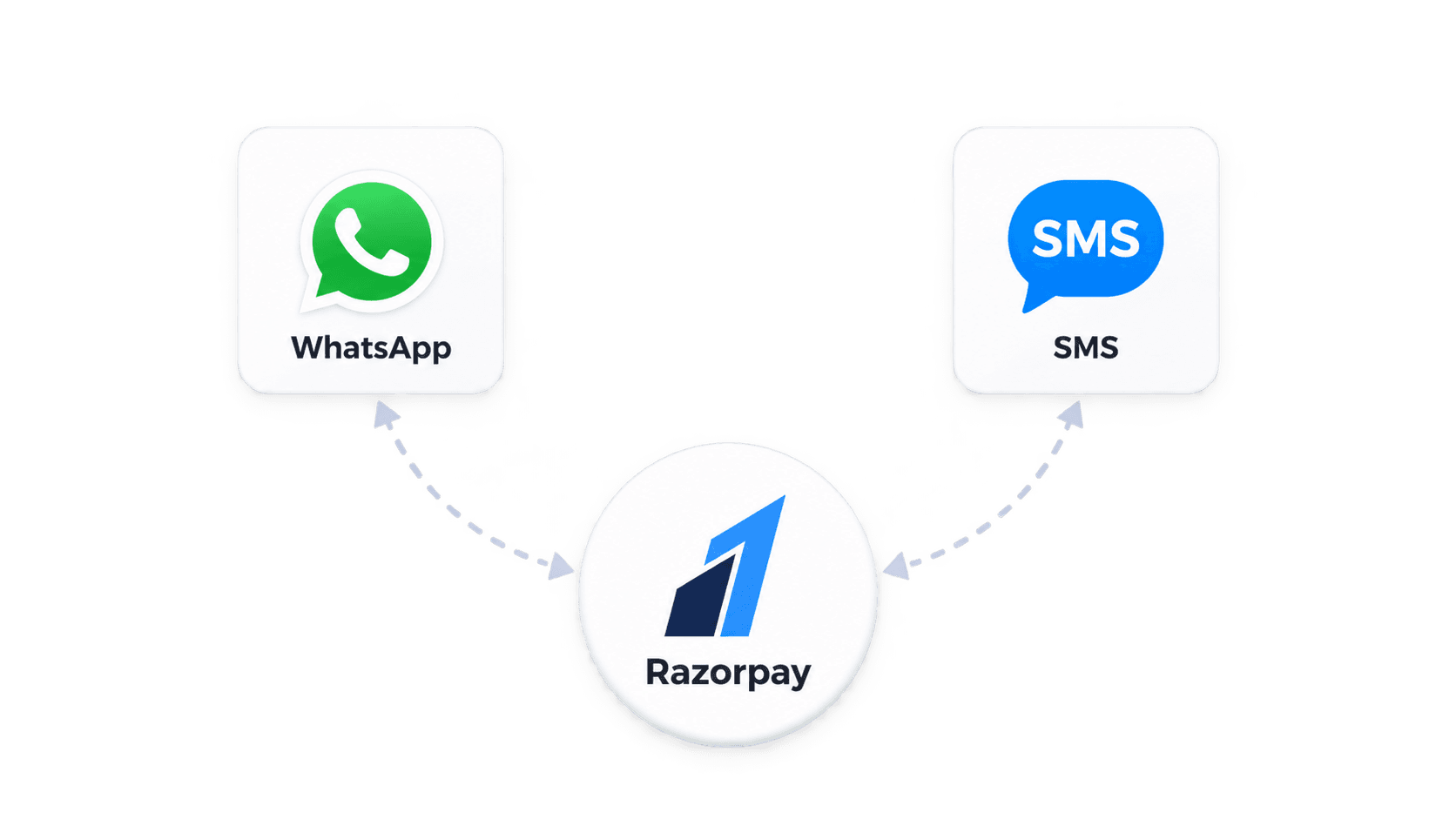
The Razorpay WhatsApp integration connects payment events in your Razorpay account to approved WhatsApp templates. When you create a payment link, a payment succeeds, or a payment fails, Razorpay sends a webhook event and the matching WhatsApp message goes to your customer automatically.
Because customers open WhatsApp far more often than email, payment links and reminders sent there are seen sooner. SMS can be used as a fallback for customers who can't be reached on WhatsApp.
How the Razorpay integration works
Connect Razorpay webhooks
Point Razorpay payment and payment-link webhooks to your Get Click Media account.
Approve your payment templates
We draft and get Meta approval for payment link, reminder, receipt, and recovery templates.
Map events to messages
Each Razorpay event- link created, paid, failed, expired- triggers its own WhatsApp or SMS message.
Track replies and payments
Customer replies go to your team, and payment status updates flow back to your systems.
What you can automate with Razorpay + WhatsApp
Payment links in chat
Send a Razorpay payment link inside a WhatsApp message with a one-tap Pay button.
Due-date reminders
Remind customers before and after invoice, EMI, fee, or subscription due dates.
Instant payment confirmation
Confirm a successful payment on WhatsApp the moment Razorpay reports it.
Failed-payment recovery
Message customers when a payment fails with a fresh link to retry.
COD-to-prepaid conversion
Offer a prepaid link to cash-on-delivery customers before dispatch.
Receipts & invoices
Send the receipt or invoice PDF on WhatsApp after payment.
Built for Indian payment flows
Event-driven, not manual
Messages fire from Razorpay webhook events, so nobody has to copy links into chats.
Templates and DLT handled
Meta template approval for WhatsApp and TRAI DLT registration for SMS are managed during onboarding.
Collect payments faster on WhatsApp
Connect Razorpay and start sending payment links, reminders, and receipts automatically.

One message could
change your business.
Big or small, we power communication for all- talk to us today.
Razorpay Integration FAQs
Yes. A Razorpay payment link can be included in an approved WhatsApp template as a call-to-action button or in the message text, and sent automatically or from your team inbox.
Customers tap the link in WhatsApp and complete payment on Razorpay's secure checkout page, using UPI, cards, net banking, or wallets.
Common triggers are payment link created, payment captured, payment failed, and payment link expired. Subscription and invoice events can also be used depending on your setup.
Yes. Payment links from PayU and UPI can be used in the same way. Contact us for other gateways.
Yes. Razorpay payment messages can run alongside our Shopify and WooCommerce order flows, for example to convert COD orders to prepaid.
Connect Razorpay to WhatsApp and SMS
Request a demo and we'll map your Razorpay payment events to the right messages.