
IVR System Multi-Level Call Routing
Visually build a call tree- greeting, menu options, sub-menus, and routing destinations- without writing code or filing an engineering ticket to change a menu. Route callers to the right department automatically, 24/7.
Drag-and-drop flow builder · No-code menu changes · 10,000+ Indian businesses
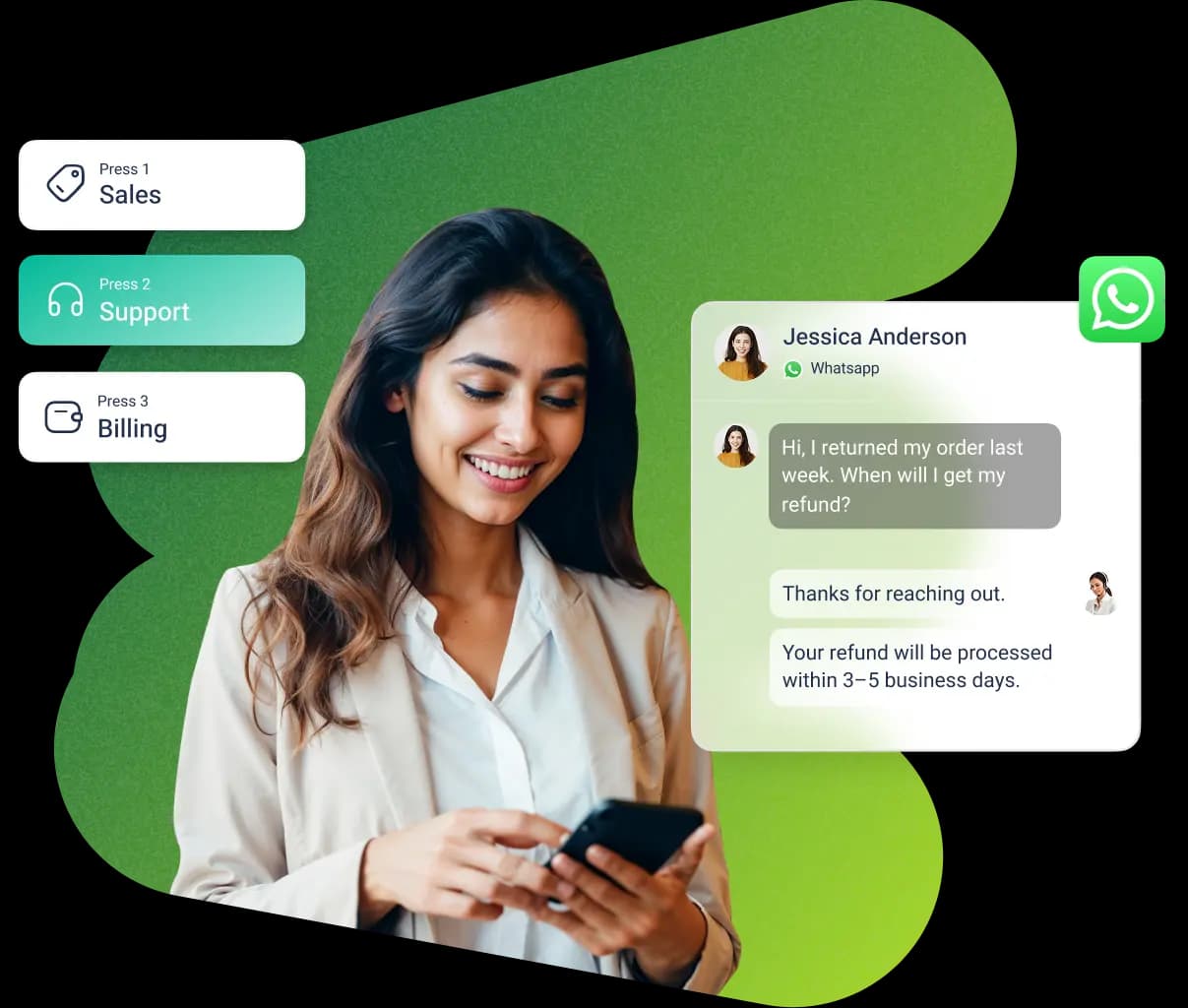
Trusted by 10,000+ businesses across India




















Build a call flow the way you'd sketch it on a whiteboard
Instead of describing a call flow in a spec document and waiting on an engineering ticket, the drag-and-drop designer lets you place a greeting, menu options, sub-menus, and routing destinations directly onto a visual call tree and connect them. A manager who understands the business logic- "if a caller presses 2, send them to Support"- can build or edit the flow themselves, without needing to know how the underlying telephony works.
This matters most after go-live: departments get reorganized, new products launch, and menus that made sense on day one stop fitting the business. With a visual builder, changing a menu option or adding a new routing destination is a same-day edit, not a multi-week change request.
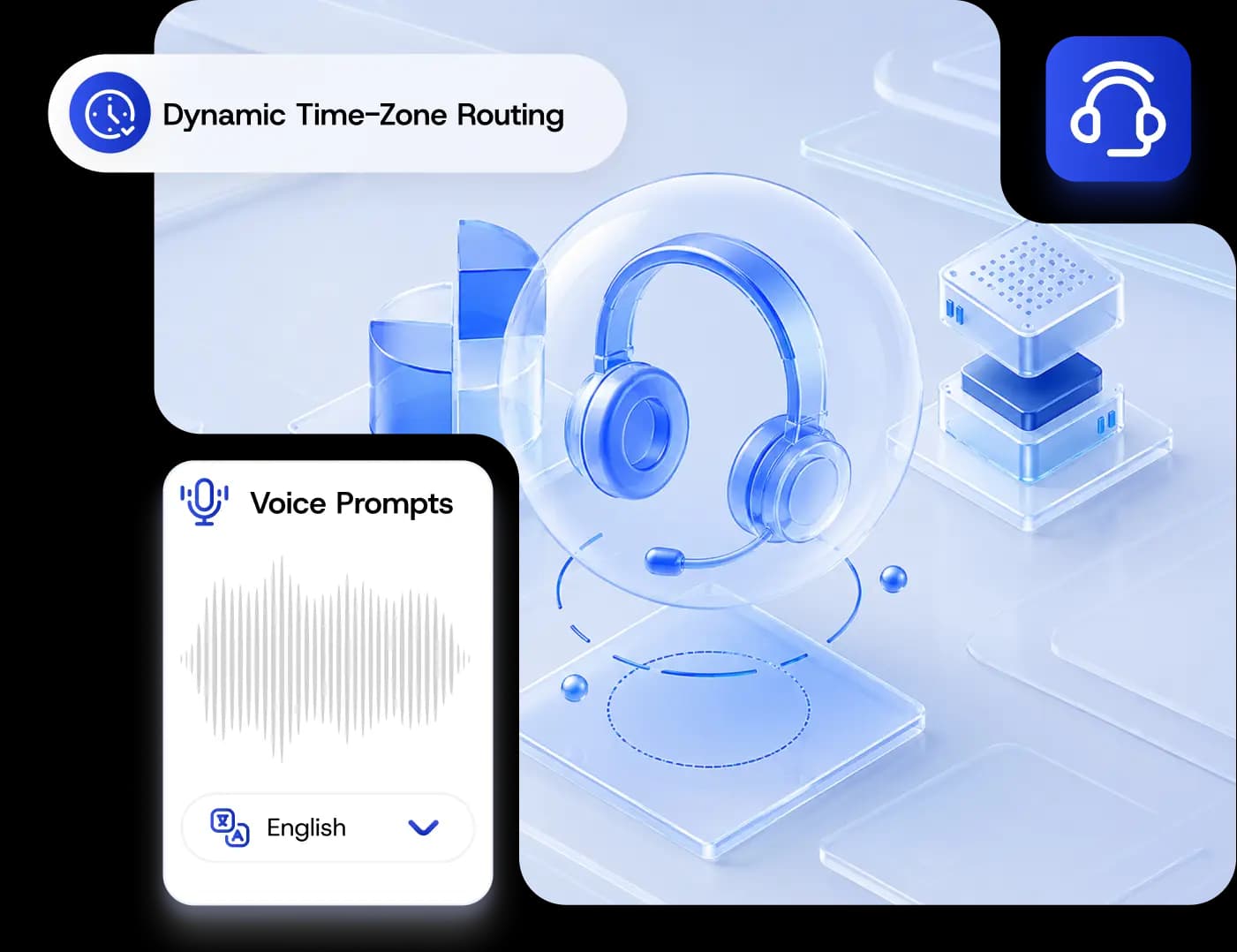
What every IVR flow is made of
Greeting / Welcome Message
The first thing every caller hears- a recorded or text-to-speech greeting that sets the tone before any menu options are presented.
Menu Prompts & Key Options
"Press 1 for Sales, 2 for Support..."- each number key maps to a destination, and a menu can nest into further sub-menus.
Routing Actions
Where a key press actually sends the caller- a department queue, a specific agent, voicemail, or a self-service lookup like an order-status check.
Fallback & Timeout Paths
What happens when a caller presses nothing, presses an invalid key, or the line times out- a default route so no caller gets stuck.
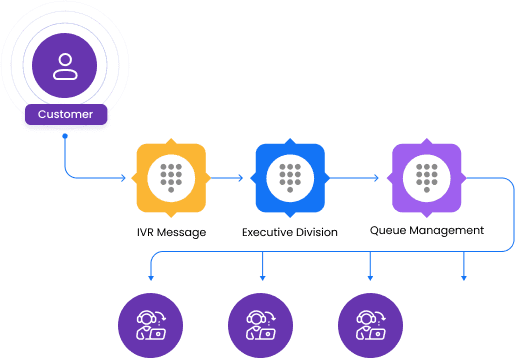
A simple 2-level flow
A top-level menu routes to Sales, Support, or Billing- and Support has its own sub-menu one level deeper.
| Menu Level | Caller Presses | Routes To |
|---|---|---|
| Level 1 | Press 1 | Routes to the Sales queue |
| Level 1 | Press 2 | Routes to the Support sub-menu (Level 2) |
| Level 1 | Press 3 | Routes to the Billing queue |
| Level 2 (Support) | Press 1 | Report a new issue- routes to the support queue |
| Level 2 (Support) | Press 2 | Check an existing ticket- routes to self-service lookup |
Level 1
- Caller Presses
- Press 1
- Routes To
- Routes to the Sales queue
Level 1
- Caller Presses
- Press 2
- Routes To
- Routes to the Support sub-menu (Level 2)
Level 1
- Caller Presses
- Press 3
- Routes To
- Routes to the Billing queue
Level 2 (Support)
- Caller Presses
- Press 1
- Routes To
- Report a new issue- routes to the support queue
Level 2 (Support)
- Caller Presses
- Press 2
- Routes To
- Check an existing ticket- routes to self-service lookup
Ship menu changes with confidence
Test before it goes live
Call through a draft flow yourself- every greeting, menu, and routing path- before it's exposed to real customers, so mistakes get caught before a caller does.
Publish changes without downtime
Add a menu option, reroute a department, or record a new greeting, and publish the updated flow without taking your number offline or interrupting calls in progress.
See how callers actually move through your menu
Menu option usage
See which keys get pressed most, so the flow can prioritize the paths callers actually want.
Drop-off & loop points
Spot where callers hang up or loop back through a menu repeatedly- a sign that a path or prompt needs rework.
Redesign your flow with data
Use real call-path data, not guesswork, to decide which menus to simplify, reorder, or add fallback routing to.
One platform for the flow builder and the managed service
Get Click Media runs the visual IVR flow designer on the same account as your cloud telephony, business phone system, and Voice API setup- so a menu change you make today applies instantly, without a separate vendor or a new setup cycle.

One message could
change your business.
Big or small, we power communication for all- talk to us today.
IVR System FAQs
An IVR (Interactive Voice Response) system is an automated phone menu that greets a caller and routes them- based on the key they press- to a department, agent, voicemail, or self-service option, without a human needing to answer and manually transfer every call.
Our IVR Service Provider page covers the managed-service side- number provisioning, compliance, and support for running IVR in India. This page covers how the flow builder itself works- the drag-and-drop designer you actually use to build and edit your call menus.
No. The flow designer is drag-and-drop- you visually place a greeting, menu prompts, and routing actions on a call tree and connect them, without writing code or filing an engineering ticket every time a menu needs to change.
As many as your call flow needs- a simple flow might be one level (a single menu routing to departments), while more complex flows nest sub-menus under a top-level option, like a Support menu that then asks whether the caller wants to report a new issue or check an existing ticket.
Every flow should include a fallback or default path for unrecognized input or a timeout- typically routing the caller to a general queue, voicemail, or a repeat of the menu- so no caller is left stuck with no way forward.
Yes- you can call through a draft flow yourself and verify every greeting, menu prompt, and routing path before it's published and exposed to real callers.
Yes- changes like adding a menu option, rerouting a department, or updating a greeting can be published without taking your number offline or disrupting calls already in progress.
You get visibility into which menu options are used most, where callers hang up or loop back through a menu repeatedly, and other call-path data that helps inform how the flow should be redesigned over time.
IVR pricing depends on your call volume, number type, and how many flow levels or features (like recording or self-service lookups) you need. Contact us for a custom quote based on your specific use case.
Ready to build your IVR flow?
Get Click Media's drag-and-drop designer lets you build, test, and publish multi-level call flows- no code, no engineering ticket.