
One WhatsApp Number, Your Whole Team
Every customer message lands in a shared inbox your team works from together- with agent assignment, routing rules, bot-to-human handoff, and the full history of each conversation. No more customer chats stuck on one employee's phone.
Official Meta BSP · Multi-agent inbox · Bot-to-human handoff · India-based support
Trusted by 10,000+ businesses across India




















What is a WhatsApp shared team inbox?
A WhatsApp shared team inbox lets several people answer customers from a single WhatsApp business number at the same time. Instead of one phone running the WhatsApp Business App, conversations arrive on the WhatsApp Business API and are shown in a web inbox that your sales, support, or operations team logs into.
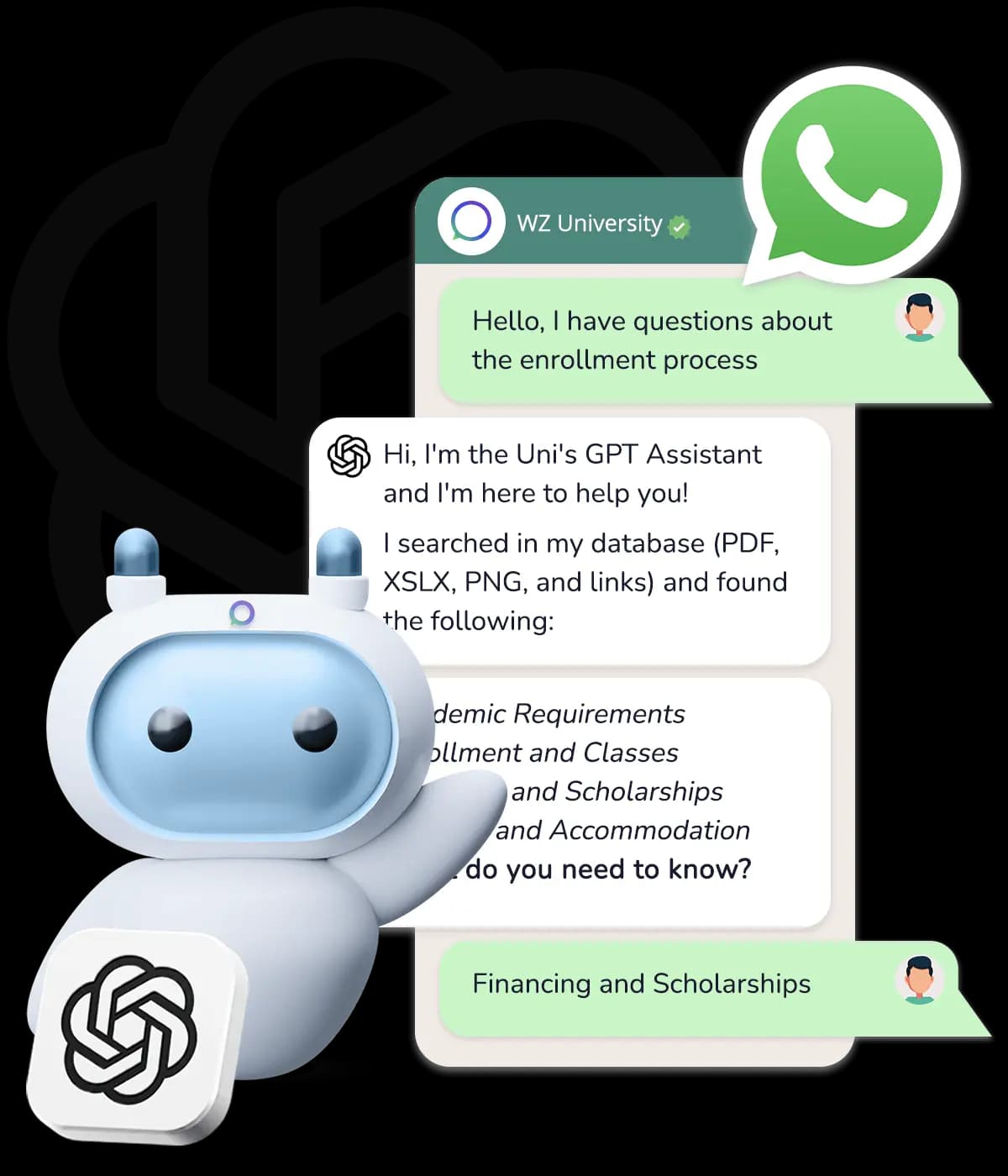
Each conversation can be assigned to an agent, moved between teams, and tagged, while managers see who is handling what. A chatbot can answer routine questions first and hand the conversation to a human when needed, with the full message history attached so the customer never has to repeat themselves.
How the shared inbox works
Connect your number to the WhatsApp Business API
Get Click Media handles Meta Business verification and onboards your business number on the official API.
Invite your team
Add agents and group them into teams such as Sales, Support, or Billing.
Set routing and bot rules
Decide which conversations a bot answers, which go straight to a team, and when a bot should hand over to a person.
Work every conversation in one place
Agents reply, add notes, and resolve chats from the shared inbox, while every message is kept in the customer's history.
What the shared inbox gives your team
One inbox for every chat
All customer conversations on your WhatsApp number in a single web inbox, instead of spread across personal phones.
Multiple agents, one number
Several agents reply from the same business number at once, so response times don't depend on one person.
Assignment & routing
Assign chats to agents or teams manually or by rules, and reassign when a conversation needs someone else.
Bot-to-human handoff
Let a chatbot handle FAQs and routine requests, then pass the conversation to a person with context intact.
Full conversation history
Every message with a customer stays attached to their profile, so any agent can pick up where the last one left off.
Labels & internal notes
Tag conversations by topic or status and leave notes for teammates that the customer never sees.
Why teams outgrow a single phone
No single-device bottleneck
The WhatsApp Business App is built for one person on one device. A shared inbox removes that limit.
Customer data stays with the business
Replies are captured in a shared inbox, not on an agent's personal device, so nothing is lost when staff change.
Faster first response
Unassigned chats are visible to the whole team, so new messages don't sit unanswered while one person is busy.
Works with your CRM
Conversations can sync with CRMs such as Zoho, HubSpot, Salesforce, and Freshworks.
Give your team one WhatsApp inbox
We set up your shared inbox, agent routing, and bot-to-human handoff- so no customer reply goes unanswered.

One message could
change your business.
Big or small, we power communication for all- talk to us today.
Shared Team Inbox FAQs
Yes, through the WhatsApp Business API. The number is connected to the API and your team uses a shared web inbox, so several agents can reply to customers from the same number at the same time.
The WhatsApp Business App is designed for a single business owner and supports only a small number of linked devices. A true multi-agent inbox with assignment, routing, and reporting needs the WhatsApp Business API.
The number of agent seats depends on your plan. Contact Get Click Media with your team size and we'll recommend the right setup.
Yes. A chatbot can answer routine questions and collect details, then hand the conversation to a human agent when the customer asks for one or the query is outside the bot's scope. The agent sees the full conversation so far.
Not necessarily. You can use an existing number, though a number currently registered on the WhatsApp Business App needs to be migrated, or connected through Meta's coexistence option where available.
You pay Meta's per-message WhatsApp rates plus Get Click Media's platform fee. Replies inside the 24-hour customer service window are free up to Meta's monthly limit. See our pricing page or request a quote for your team size.
Run customer conversations as a team
Request a demo of the Get Click Media shared WhatsApp inbox and see assignment, routing, and handoff in action.