
In this article
Explore the key concepts, practical considerations, and frequently asked questions related to whatsapp number banned? how to recover it and prevent it again.
Key takeaways
- Spinning up a new, unauthorized number as a workaround is the single most damaging reaction- Meta can link it back to the same business and ban it too.
- Appeal timelines and outcomes are decided entirely by Meta, and no BSP, including Get Click Media, can guarantee when or whether an appeal succeeds.
- Submitting repeated or duplicate appeals for the same case doesn't speed up review and typically just makes the case harder for Meta to track.
If your WhatsApp Business number is fine right now and you want to understand restrictions vs bans, the common causes, and a full prevention checklist, we've already covered that ground in depth on our pillar guide: WhatsApp Number Ban Recovery Guide. This page is for a different moment- your number is banned or restricted right now, and you need to know what to do in the next hour, not the general theory.
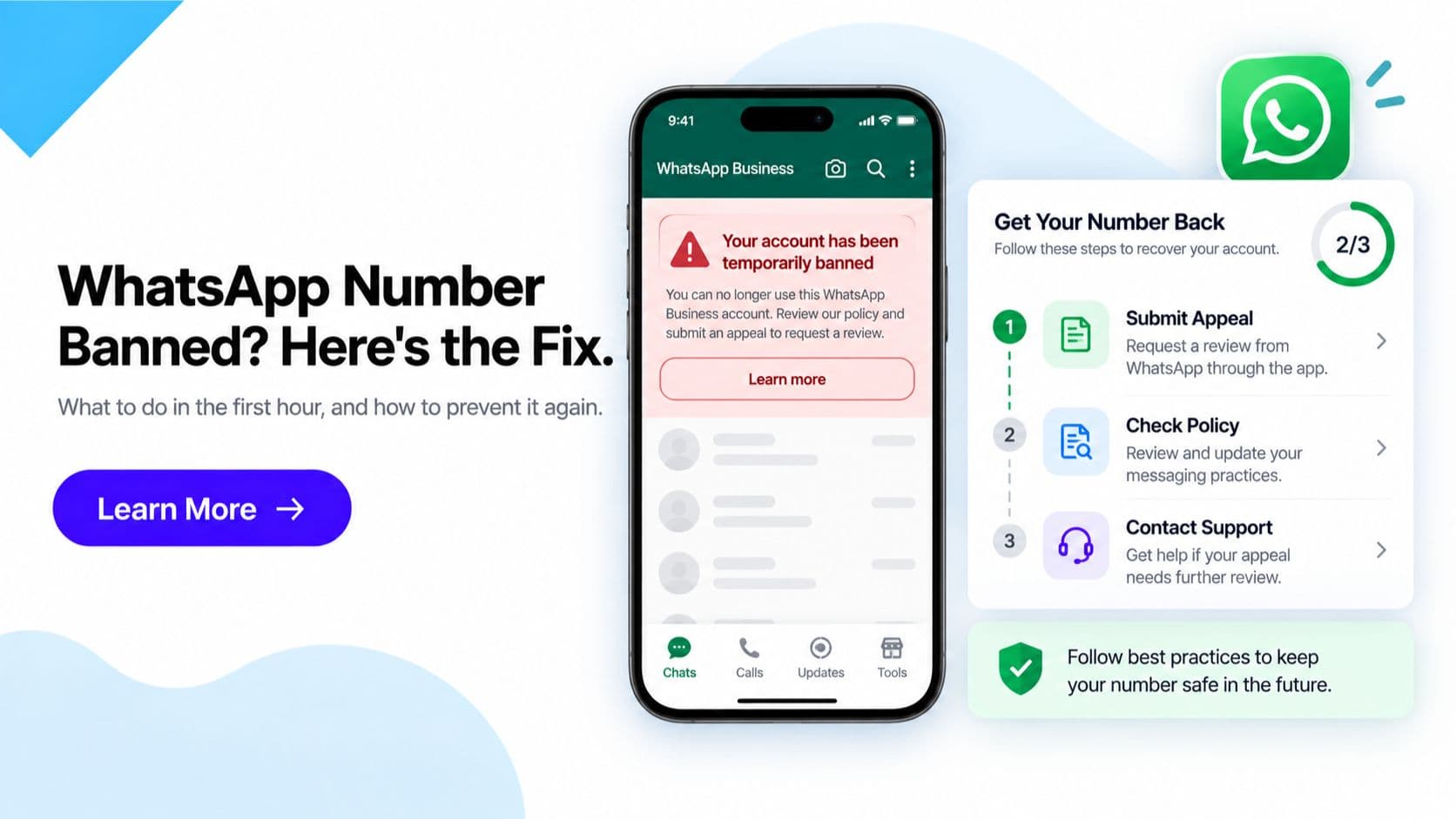
If you're reading this because a notice just appeared in Meta Business Manager or your BSP dashboard, here's the direct answer: check the exact reason shown, stop any sending that could be non-compliant, do not spin up a new number as a workaround, and contact your BSP to start the appeal immediately. What you do- and don't do- in the first hour matters more than most businesses realize.
Quick answer: In the first hour- check the exact restriction/ban reason in Meta Business Manager or your BSP dashboard, stop any further non-compliant sending, do not create a new unauthorized number, and contact your BSP to begin the appeal. Appeal outcomes and timelines are decided by Meta and are not guaranteed by anyone.
What to Do in the First Hour
1. Check the exact reason shown. Meta Business Manager or your BSP dashboard displays a specific reason for the restriction or ban- a quality rating drop, a policy violation, spam reports, or something else. Don't assume you know why; read the actual notice. The reason shown determines everything you do next, including what your appeal needs to address.
2. Stop any further non-compliant sending immediately. If the reason points to a sending pattern- volume, unapproved content, messaging non-opted-in contacts- continuing that same pattern while an appeal is pending only adds to the case against you. Pause outbound sends tied to the flagged behaviour right away.
3. Do not create a new, unauthorized number as a workaround. This is the single most damaging reaction. Meta can link a new number back to the same underlying business, and if the practice that caused the original ban hasn't changed, the new number is likely to face the same outcome- while also potentially weakening your standing on the original appeal. Wait and appeal properly instead.
4. Contact your BSP to begin the appeal. A Business Solution Provider like Get Click Media has visibility into your account history, template records, and opt-in data, and can help you put together a clear, well-documented appeal rather than a rushed or vague one. Reach out as soon as you've confirmed the reason, not after several days of uncertainty.
What NOT to Do
Just as important as the right first steps is avoiding the reactions that make a bad situation worse:
- Don't ignore it and hope it resolves itself. Restrictions and bans don't self-correct- they require an explicit appeal addressing the stated reason. Time spent waiting without acting is time your business goes without its messaging channel.
- Don't submit repeated or duplicate appeals. Spam-appealing the same case doesn't speed up review- it typically makes your case harder to track and doesn't change Meta's process, which reviews on its own timeline regardless of how many times you resubmit.
- Don't switch to an unofficial or unauthorized WhatsApp automation tool to keep messaging. It's tempting to want to keep talking to customers by any means available, but using an unofficial client or automation tool outside the official Business Platform is a well-known way to add a fresh policy violation on top of the existing one- and it undermines the professional standing an appeal depends on.
- Don't rely on any promised turnaround time or guaranteed outcome. Appeal timelines and outcomes are Meta's decision, and they vary case by case. No BSP, including Get Click Media, can honestly guarantee when or whether an appeal will succeed- be wary of anyone who tells you otherwise.
Preventing It From Happening Again
Once your appeal is underway, the more useful question becomes making sure this doesn't repeat. The core habits- proper double opt-in, accurate template categorization, a gradual sending ramp-up on new or recovered numbers, and proactive quality-rating monitoring- are covered in full on our pillar guide: WhatsApp Number Ban Recovery Guide. Rather than repeat that checklist here, the short version is this: whatever reason your dashboard showed for this ban is the exact thing your prevention plan needs to fix first.
Frequently Asked Questions
My WhatsApp Business number just got banned- what's the very first thing I should do? Open Meta Business Manager or your BSP dashboard and read the exact restriction or ban reason shown- don't guess. Then immediately stop any sending pattern that could be non-compliant, and contact your BSP to begin the appeal process. Acting within the first hour, calmly and based on the actual stated reason, puts you in a far better position than reacting emotionally or waiting.
Should I create a new WhatsApp number while I wait for my banned number to be restored? No. Creating a new, unauthorized number as a workaround is one of the riskiest moves you can make- Meta can link the new number to the same business, and if the same underlying practice caused the original ban, the new number is likely to face the same outcome, which can also complicate your standing on the original appeal.
How long does a WhatsApp ban appeal take? There's no fixed or guaranteed timeline. Meta's appeal review times and outcomes vary case by case and are not published as a guarantee by Meta or by any BSP. Check the current status and any in-app guidance in Meta Business Manager, and treat any specific turnaround claim you hear elsewhere with caution.
Can Get Click Media guarantee my banned number will be restored? No- and no BSP honestly can. Meta makes the final decision on every appeal. What Get Click Media can do is help you identify the likely cause, assemble the documentation (opt-in records, template history, corrective steps taken) that supports a strong appeal, and submit and track it on your behalf.
Is it safe to use an unofficial WhatsApp automation tool while my number is banned? No. Switching to an unofficial or unauthorized WhatsApp client or automation tool to keep messaging during a ban is a well-known way to make your standing worse, not better- it operates outside WhatsApp's official Business Platform and can be treated as a further policy violation on top of the original issue.
What usually causes a WhatsApp Business number to get restricted or banned? Common causes include a dropped quality rating from too many blocks or user reports, spam-like or high-volume sending patterns, messaging contacts who never opted in, sending altered or non-approved template content, or violations of WhatsApp's Commerce or Business Messaging Policy. The exact reason shown in your dashboard tells you which of these applies to your case.
Will submitting multiple appeals speed up my case? No- submitting repeated or duplicate appeals for the same issue doesn't speed up review and can make your case harder to track. Submit one clear, well-documented appeal explaining what happened and the corrective steps taken, then wait for a response before following up.
How do I stop this from happening again once my number is restored? Fix the root cause the ban reason pointed to- proper double opt-in, accurate template categories, a gradual sending ramp-up on the number, and active quality-rating monitoring. Our full prevention checklist is covered on the pillar guide: WhatsApp Number Ban Recovery Guide.
Get Help Now
If your number is currently banned or restricted, don't wait- the first hour's actions matter. Read the full WhatsApp Number Ban Recovery Guide for causes and prevention, or reach out directly for help assembling and submitting your appeal.
Get WhatsApp Business API- Start Onboarding · Request a Demo
Article topics
Frequently Asked Questions
My WhatsApp Business number just got banned- what's the very first thing I should do?
Open Meta Business Manager or your BSP dashboard and read the exact restriction or ban reason shown- don't guess. Then immediately stop any sending pattern that could be non-compliant, and contact your BSP to begin the appeal process. Acting within the first hour, calmly and based on the actual stated reason, puts you in a far better position than reacting emotionally or waiting.
Should I create a new WhatsApp number while I wait for my banned number to be restored?
No. Creating a new, unauthorized number as a workaround is one of the riskiest moves you can make- Meta can link the new number to the same business, and if the same underlying practice caused the original ban, the new number is likely to face the same outcome, which can also complicate your standing on the original appeal.
How long does a WhatsApp ban appeal take?
There's no fixed or guaranteed timeline. Meta's appeal review times and outcomes vary case by case and are not published as a guarantee by Meta or by any BSP. Check the current status and any in-app guidance in Meta Business Manager, and treat any specific turnaround claim you hear elsewhere with caution.
Can Get Click Media guarantee my banned number will be restored?
No- and no BSP honestly can. Meta makes the final decision on every appeal. What Get Click Media can do is help you identify the likely cause, assemble the documentation (opt-in records, template history, corrective steps taken) that supports a strong appeal, and submit and track it on your behalf.
Is it safe to use an unofficial WhatsApp automation tool while my number is banned?
No. Switching to an unofficial or unauthorized WhatsApp client or automation tool to keep messaging during a ban is a well-known way to make your standing worse, not better- it operates outside WhatsApp's official Business Platform and can be treated as a further policy violation on top of the original issue.
What usually causes a WhatsApp Business number to get restricted or banned?
Common causes include a dropped quality rating from too many blocks or user reports, spam-like or high-volume sending patterns, messaging contacts who never opted in, sending altered or non-approved template content, or violations of WhatsApp's Commerce or Business Messaging Policy. The exact reason shown in your dashboard tells you which of these applies to your case.
Will submitting multiple appeals speed up my case?
No- submitting repeated or duplicate appeals for the same issue doesn't speed up review and can make your case harder to track. Submit one clear, well-documented appeal explaining what happened and the corrective steps taken, then wait for a response before following up.
How do I stop this from happening again once my number is restored?
Fix the root cause the ban reason pointed to- proper double opt-in, accurate template categories, a gradual sending ramp-up on the number, and active quality-rating monitoring. Our full prevention checklist is covered on the pillar guide: WhatsApp Number Ban Recovery Guide.
About the author
Get Click Media creates practical resources for businesses using messaging, automation, analytics, and digital communication to improve customer engagement. This article was published on .