
In this article
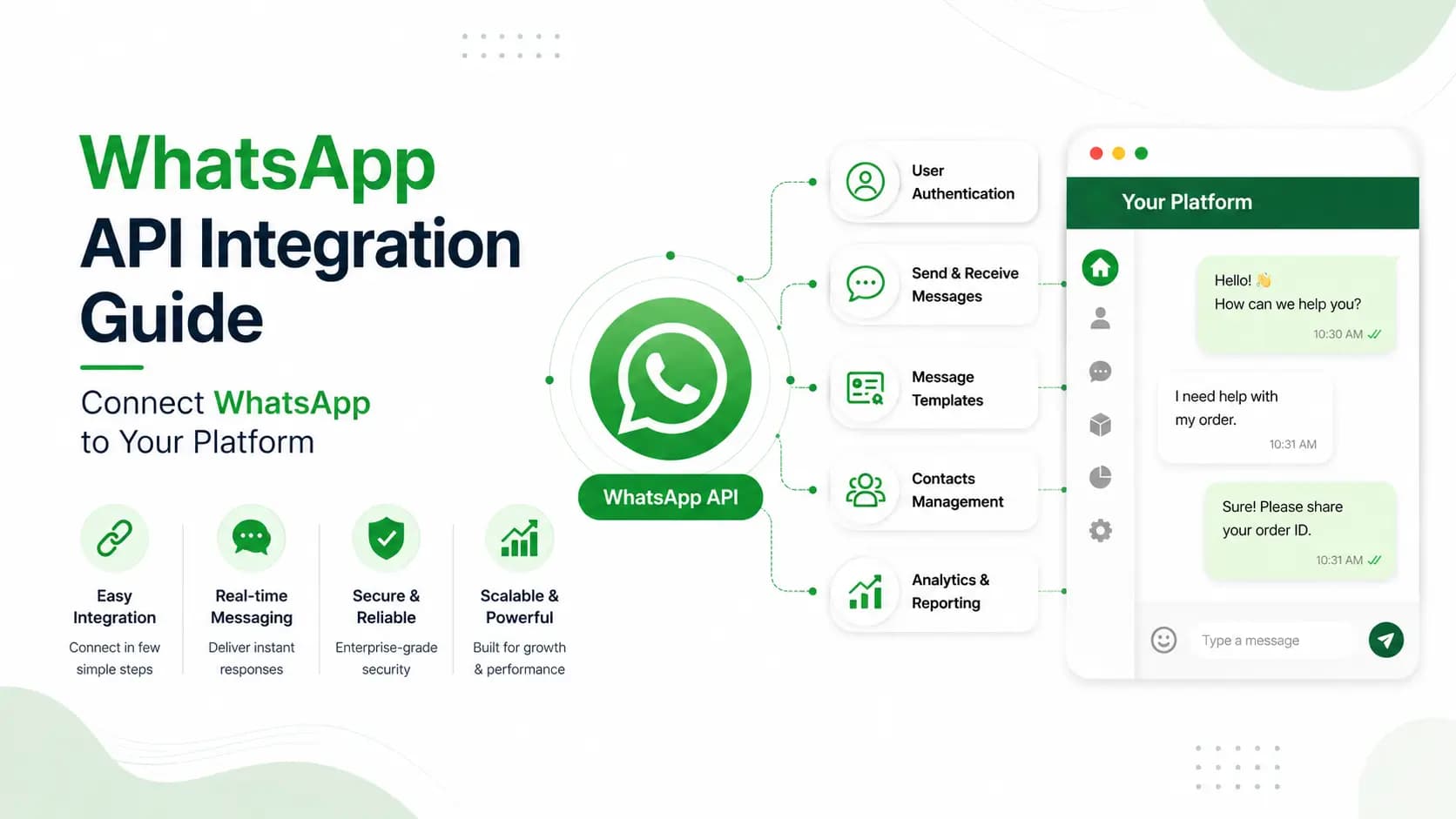
Explore the key concepts, practical considerations, and frequently asked questions related to whatsapp api integration guide- connect whatsapp to your platform.
Key takeaways
- Three integration paths exist- no-code plugins for Shopify/WooCommerce (under 60 minutes), native connectors for 8 platforms, or REST API plus webhooks for custom stacks.
- Webhook endpoints must respond with HTTP 200 within 3 seconds, and Get Click Media retries failed deliveries with exponential backoff for up to 5 attempts over 24 hours.
- Webhook signatures should be verified with HMAC-SHA256, and API keys must live in environment variables- never hardcoded in source code.
WhatsApp API integration is the process of connecting WhatsApp Business API to your existing business systems- CRM, e-commerce platform, ERP, or custom application- so that WhatsApp messages are automatically triggered, received, and processed without manual intervention. Get Click Media supports integration with Shopify, WooCommerce, Salesforce, HubSpot, Zoho, Freshdesk, LeadSquared, and any custom platform via REST API and webhooks.
How WhatsApp API Integration Works
Get Click Media's platform handles authentication, message queuing, delivery tracking, webhook management, and failover. Your team writes the business logic- we handle the WhatsApp infrastructure.
| Direction | What Happens | Your Role |
|---|---|---|
| Outbound (your system → WhatsApp) | Your application sends a message to a customer's WhatsApp. Your system calls Get Click Media's REST API with phone number, template, and variables. | Trigger the API call from your CRM, OMS, or automation platform |
| Inbound (WhatsApp → your system) | A customer messages your business number. GCM posts the message payload to your webhook endpoint as a JSON event in real time. | Your server receives the webhook, processes it, and responds via REST API |
3 Ways to Integrate- Choose What Fits Your Stack
- No-code plugins- Shopify, WooCommerce, Magento- plug-and-play plugins connect WhatsApp to your store in under 60 minutes. No developer required.
- Pre-built CRM connectors- Native connectors for Salesforce, HubSpot, Zoho, Freshdesk, LeadSquared, Sell.do, and Razorpay- sync contacts and trigger messages on CRM events.
- REST API + webhooks- For custom platforms, proprietary CRMs, and complex workflows- the most flexible option. Any system that can make an HTTP request can integrate.
Native Connectors for 8 Platforms
| Platform | Connector Type | Setup Time | What It Does |
|---|---|---|---|
| Salesforce | Native app- AppExchange | 2–4 hours | Trigger WA on lead/opportunity events, log in Activity timeline, sync opt-in status |
| HubSpot | Native integration | 1–2 hours | WA in HubSpot workflows, contact WA status, conversation inbox |
| Zoho CRM | Zoho Marketplace app | 1–2 hours | WA triggers in workflows, interaction logging, lead qualification via chatbot |
| Freshdesk | Freshdesk Marketplace | 1 hour | WA as support channel, agent routing, CSAT via WA |
| LeadSquared | API connector | 2–3 hours | Lead follow-up automation, enquiry-to-conversation flow, lead scoring |
| Sell.do | Native integration | 1–2 hours | Real estate lead automation, site visit reminders, payment alerts |
| Razorpay | Webhook + API | 2–4 hours | Payment confirmation, payment link delivery, failed payment alerts |
| Custom CRM | REST API + webhooks | Varies | Any event can trigger a WA message via API call. Replies post back via webhook. |
For a deeper look at connecting WhatsApp to sales and support tools, see WhatsApp CRM integration.
From API Credentials to Production: Step by Step
- Get your API credentials- After onboarding, receive your API key and Phone Number ID. Store as environment variables- never hardcode.
- Send your first test message- POST to our messages endpoint using your own number as the test recipient. Arrives in seconds via the sandbox.
- Set up your webhook endpoint- Create an HTTPS endpoint that receives inbound messages and status updates. Must respond HTTP 200 within 3 seconds.
- Connect to your data sources- Integrate WhatsApp logic with your OMS, CRM, or appointment database for live, personalised data replies.
- Handle opt-outs and errors- Honour STOP events immediately. Implement exponential backoff for 429s; never blindly retry 400 errors.
- Test in staging, then go live- Full end-to-end testing in GCM's sandbox before moving to production.
Send Your First Message- Node.js
const axios = require('axios');

const sendWhatsApp = async (to, templateName, variables) => {
  const res = await axios.post(
    'https://api.getclickmedia.com/v2/whatsapp/messages',
    {
      to,
      type: 'template',
      template: {
        name: templateName,
        language: { code: 'en' },
        components: [{ type: 'body', parameters: variables }]
      }
    },
    { headers: {
        'Authorization': `Bearer ${process.env.GCM_API_KEY}`,
        'X-Phone-Number-ID': process.env.GCM_PHONE_ID
      }
    }
  );
  return res.data; // { message_id: 'msg_xxxx', status: 'sent' }
};

// Trigger on order placed:
sendWhatsApp('+919876543210', 'order_confirmation_v2',
  [{ type: 'text', text: '#ORD-4782' }, { type: 'text', text: 'Nike Air Max' }]);
SDKs are available for Node.js, Python, PHP, and Java- full documentation at getclickmedia.com/whatsapp-api-documentation.
Common WhatsApp API Integration Patterns in India
| Scenario | What It Enables | Difficulty |
|---|---|---|
| Shopify- E-commerce | Order confirmation, shipping updates, cart recovery, review requests | Easy |
| Salesforce- Enterprise Sales | Lead follow-up, opportunity nurture, meeting confirmation, deal-closed welcome | Medium |
| HubSpot- Inbound Marketing | Form submission follow-up, lifecycle-stage campaigns, contact timeline logging | Easy |
| Razorpay- Payment Gateway | Payment links, confirmations, retry nudges, subscription reminders | Medium |
| Hospital HMS / Clinic Software | Appointment confirmation, reminders, lab reports, feedback forms | Medium |
| LMS / EdTech Platform | Enrollment welcome, module nudges, re-engagement, exam reminders | Medium |
| Chatbot + Custom Database | Live order/account/inventory lookups with agent escalation | Medium-High |
| Marketing Automation Platform | WhatsApp alongside email/SMS in the same journey (MoEngage, CleverTap) | Medium |
| Real Estate CRM (Sell.do, LeadSquared) | Lead follow-up, site visit confirmation, payment reminders | Easy |
| Custom ERP / Legacy System | Invoice, dispatch, and stock alerts via simple HTTP POST | Varies |
Core WhatsApp API Endpoints
| Method | Endpoint | Description |
|---|---|---|
| POST | /v2/whatsapp/messages | Send a WhatsApp message (template or session) |
| POST | /v2/whatsapp/messages/batch | Send bulk messages- campaign broadcast |
| GET | /v2/whatsapp/messages/{id} | Get status + events for a specific message |
| POST | /v2/whatsapp/media | Upload media file for use in messages |
| GET | /v2/whatsapp/contacts/{phone} | Check if a number is a valid WhatsApp user |
| POST | /v2/whatsapp/webhooks | Register a webhook endpoint |
| GET | /v2/whatsapp/templates | List all approved message templates |
| GET | /v2/whatsapp/analytics | Get campaign delivery and engagement analytics |
| POST | /v2/whatsapp/conversations/reply | Reply within an open 24-hour conversation window |
| GET | /v2/whatsapp/usage | Get monthly usage summary and billing data |
Full API documentation with schemas, error codes, and rate limit details: WhatsApp API documentation. See also WhatsApp API error codes.
Best Practices: Security, Reliability, Performance
Security
- Store API keys in environment variables, never in source code
- Restrict API key access by IP allowlist
- Verify webhook signatures with HMAC-SHA256
- Use HTTPS only- reject HTTP delivery
Reliability
- Acknowledge webhooks with HTTP 200 within 3 seconds
- Exponential backoff for 429 and 5xx responses
- Use idempotency keys to prevent duplicate sends
- Log all API calls with message_id, retain 90 days
Performance
- Use batch endpoints for campaign broadcasts
- Pre-upload media and reuse media_id
- Dedicated transactional queue for OTPs and alerts
- Cache template IDs and media IDs
Ready to connect WhatsApp to your platform? Talk to our technical team about your specific stack, or explore related guides: WhatsApp Business API, WhatsApp API pricing in India, WhatsApp CRM integration, and WhatsApp chatbot.
Article topics
Frequently Asked Questions
How do I integrate WhatsApp Business API with my website?
For Shopify and WooCommerce, Get Click Media provides plugins that connect WhatsApp in under 60 minutes without coding. For custom websites, integration involves calling our REST API from your server-side code and setting up a webhook endpoint to receive inbound messages and status updates.
Do I need a developer to integrate WhatsApp API?
For Shopify and WooCommerce, no. For CRM integrations (HubSpot, Zoho, Freshdesk, LeadSquared), most connections are made through the CRM's integration settings with minimal technical knowledge. For custom platforms, a developer is required for REST API calls and webhook handling.
Can I integrate WhatsApp API with Salesforce?
Yes. Get Click Media has a native Salesforce integration on the AppExchange- it triggers WhatsApp from Salesforce workflows, logs interactions in the Activity timeline, and syncs opt-in status. Setup typically takes 2 to 4 hours.
How do I handle inbound WhatsApp messages in my integration?
Inbound messages are delivered to your webhook endpoint as JSON POST requests. Your server extracts the phone number and message content, processes it per your business logic, and responds via the REST API.
What happens if my webhook endpoint is down?
Get Click Media retries event delivery with exponential backoff- up to 5 attempts over 24 hours. If the endpoint remains unavailable, undelivered events are queued and replayed once it recovers.
Can WhatsApp API send PDFs, images, and videos?
Yes- JPEG, PNG, animated GIF, MP4 video, MP3/AAC audio, and PDF attachments. For large campaigns, upload to GCM's CDN and reuse the returned media_id.
How do I test my WhatsApp API integration before going live?
Get Click Media provides a sandbox environment mirroring production behaviour without conversation charges. You can also whitelist your own number for real-device testing.
What is the rate limit for WhatsApp API messages?
The Growth tier supports 100 messages per second; Enterprise supports 1,000+. A dedicated transactional queue guarantees sub-second delivery for OTPs and fraud alerts independent of campaign traffic.
About the author
Get Click Media creates practical resources for businesses using messaging, automation, analytics, and digital communication to improve customer engagement. This article was published on .