
In this article
Explore the key concepts, practical considerations, and frequently asked questions related to meta business manager setup for whatsapp api: a walkthrough.
Key takeaways
- Every WhatsApp Business Account is provisioned inside a Meta Business Manager- there's no way to get WhatsApp API access without one.
- Full setup- account creation, business info, Page connection, team roles, ad account, and verification- takes roughly 30 to 60 minutes.
- Meta Business Verification, submitted via GST certificate or Certificate of Incorporation, unlocks full WhatsApp API access and removes ad spend limits.
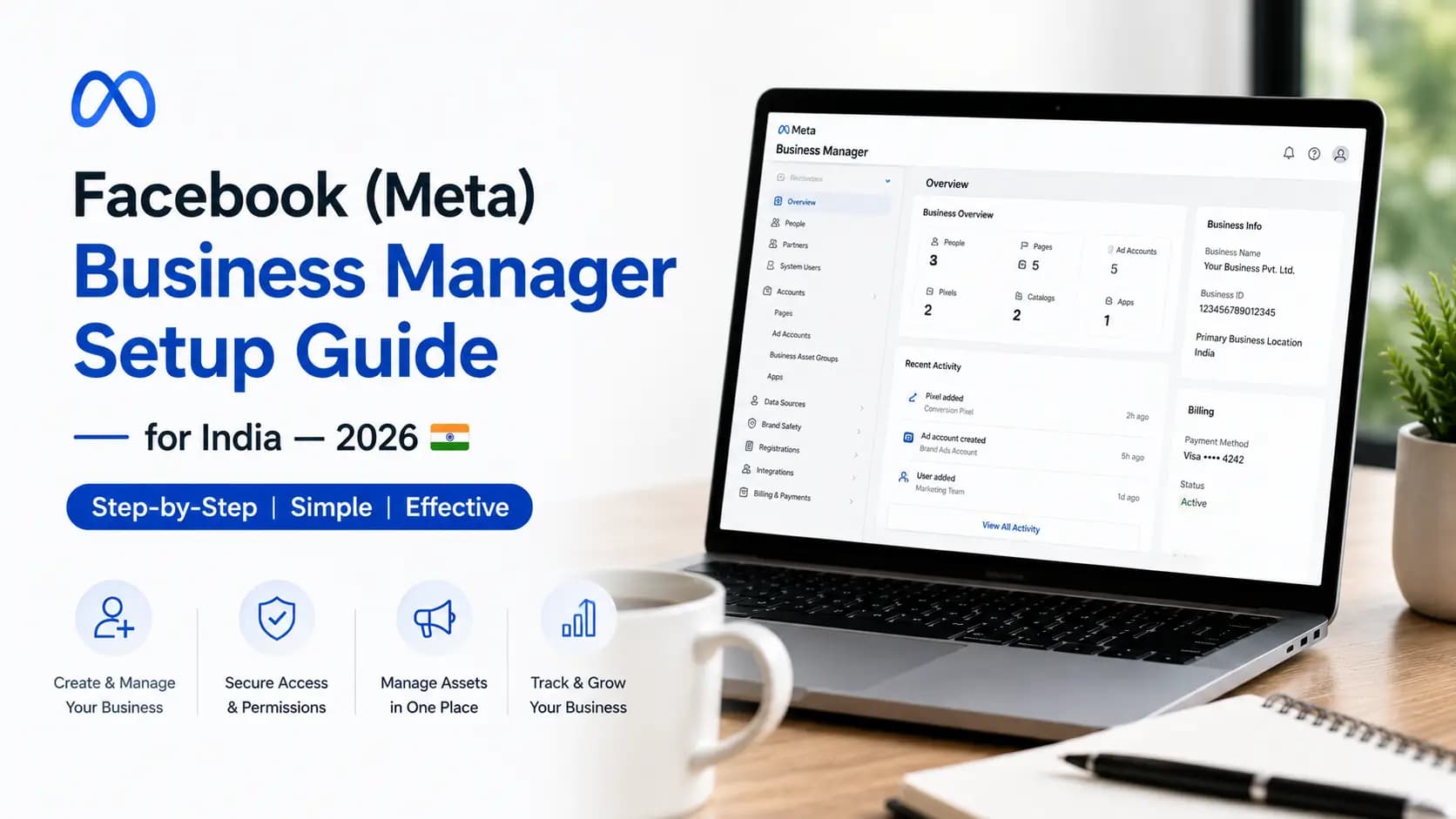
If you're setting this up to apply for WhatsApp Business API, here's the short version: Meta Business Manager (formerly Facebook Business Manager, now also called Meta Business Suite) is the free platform at business.facebook.com, and it is the account your WhatsApp Business Account (WABA) gets provisioned under. There is no way to get WhatsApp Business API without one. To set it up: create an account at business.facebook.com, add your business details, connect your Facebook Page, and add team members with appropriate access roles. Complete setup takes approximately 30 to 60 minutes, and it's the first concrete step in how to get WhatsApp Business API in India.
Meta Business Manager is also the starting point for running Facebook and Instagram ads at scale, managing your Instagram account, and controlling multiple team members' access to your Meta assets- but for most businesses reading this guide, WhatsApp API access is the reason they're here.
Many Indian businesses are confused by the name- Meta has rebranded it multiple times. Facebook Business Manager, Meta Business Manager, and Meta Business Suite all refer to the same platform at business.facebook.com. This guide uses the terms interchangeably.
Why This Matters for WhatsApp Business API
WhatsApp Business API isn't something you sign up for on its own- the WhatsApp Business Account (WABA) that carries your API access is created inside a Meta Business Manager, the same way a Facebook Page or an ad account is. That's why every WhatsApp API onboarding, whether you do it yourself or through Get Click Media as your Meta BSP, starts with either creating a Business Manager or confirming you already have a verified one to work with.
Two things follow from this: first, get the setup right the first time- correct legal business name, correct Business Info fields- because these carry through to your WhatsApp registration and later business verification. Second, Business Manager setup and Meta business verification are two different steps. This guide covers getting the Business Manager itself set up correctly; the verification step- submitting your Certificate of Incorporation or GST certificate for Meta's review- is covered in full in our dedicated Meta business verification guide. Do this one first, then move to verification.
What You Can Manage Inside Meta Business Manager
| Asset | What you do with it | Relevant for |
|---|---|---|
| Facebook Page | Manage your business Facebook page- posts, ads, inbox | All businesses with Facebook presence |
| Instagram Account | Connect Instagram for ads and shopping | Businesses with Instagram presence |
| WhatsApp Business Account (WABA) | Create and manage WhatsApp API access | WhatsApp Business API users |
| Ad Accounts | Create and manage paid campaigns on Facebook and Instagram | Businesses running paid ads |
| Commerce Catalog | Product catalog shared across Facebook, Instagram, and WhatsApp | E-commerce and retail businesses |
| Pixel | Website tracking for ad attribution and retargeting | Businesses running Facebook ads |
| Custom Audiences | Upload customer lists for targeting and lookalikes | Marketing teams running campaigns |
| Team Members | Add employees with specific access roles to specific assets | Any business with a team |
How to Set Up Meta Business Manager- Step by Step
1. Create Your Meta Business Manager Account
Go to business.facebook.com. Click Create Account. Enter your business name, your name, and your business email address (use a domain email, not Gmail). Click Submit. Meta sends a confirmation email- click the verification link to activate your account.
You need a personal Facebook account to create a Business Manager. Use your real name- this is the admin account. Other team members are added separately.
2. Add Your Business Information
In Business Settings (gear icon, bottom left), go to Business Info. Enter your legal business name, business address (India), business phone number, and website. The business name here should match your official registered name- it is used for Meta Business Verification and WhatsApp API registration.
Set your Time Zone to India Standard Time (IST) and Currency to INR. These affect ad billing and reporting.
3. Connect Your Facebook Page
Go to Business Settings > Accounts > Pages > Add. Select Add a Page (if you own an existing page) or Create a New Facebook Page. If you are claiming an existing page, you must be an admin of that page. The Page connects to your Business Manager- enabling shared team access and ad management.
If you do not have a Facebook Page, create one specifically for your business. The Page name should match your business brand name.
4. Add Team Members with Correct Roles
Go to Business Settings > People > Add. Enter the email addresses of team members. Assign roles: Admin (full access), Employee (limited- assigned to specific assets). After adding as People, assign them to specific assets (Pages, Ad Accounts, WhatsApp accounts) with asset-level roles (Admin, Advertiser, Analyst).
Follow least-privilege: give team members only the access they need for their role. Admins can access everything- be careful who gets Admin status.
5. Create or Connect Ad Account
Go to Business Settings > Accounts > Ad Accounts > Add. Create a New Ad Account, giving it a descriptive name (e.g. GCM India Campaigns- WhatsApp). Set the currency to INR and time zone to IST. Add a payment method (credit/debit card or net banking for automatic billing). Assign team members with Advertiser role.
A new Meta Business Manager ad account starts with a low spend limit- it increases automatically as you spend and build a payment history.
6. Complete Meta Business Verification
Go to Business Settings > Security Centre. Click Start Verification. Submit your business documents (GST certificate recommended for Indian businesses). This unlocks full WhatsApp API access, removes ad spend limits, and enables Green Tick application. Full guide at Meta business verification.
This is the most important step for WhatsApp API access. Without verification, WABA creation is not possible.
Meta Business Manager vs Meta Business Suite- What Is the Difference?
Meta has rebranded and restructured its business tools several times. Here is the current naming:
| Name | What it means in 2026 |
|---|---|
| Facebook Business Manager | The old name- still used colloquially. The platform is the same. |
| Meta Business Manager | The current name for the same platform at business.facebook.com. |
| Meta Business Suite | The consumer-facing name for the all-in-one dashboard on mobile and desktop- wraps BM + Page management + inbox in one interface. |
| Commerce Manager | The specific section within Meta BM for managing product catalogs, shops, and WhatsApp Commerce. |
Simple rule: For WhatsApp Business API setup, everything happens at business.facebook.com- this is Meta Business Manager. When someone says Facebook Business Manager, Meta Business Manager, or Meta Business Suite in the context of WhatsApp API, they all mean the same portal.
Frequently Asked Questions- Meta Business Manager India
Is Meta Business Manager free? Yes- creating and using Meta Business Manager is completely free. There is no charge for the platform itself. You only pay when you run ads (ad spend) or when you use WhatsApp Business API (conversation charges via your BSP). Get Click Media can set up your Meta Business Manager at no cost as part of WhatsApp API onboarding.
Can I have multiple businesses in one Meta Business Manager? No- each Meta Business Manager is for one business entity. However, you can manage multiple Facebook Pages, Ad Accounts, and WhatsApp accounts within one BM- useful for agencies managing multiple brands. For each separate legal business entity, a separate BM is recommended. If you manage client accounts, you can request access to client BMs as a Partner without owning those assets.
What is the difference between a Facebook Personal account and Business Manager? Your personal Facebook account represents you as an individual. Meta Business Manager represents your business entity. Business Manager is required to access enterprise features- WhatsApp API, large ad campaigns, team management, pixel, and advanced reporting. You use your personal Facebook account to log into Business Manager, but the assets (Pages, Ad Accounts, WhatsApp) are owned by the Business Manager, not your personal account.
I already run Facebook ads without Business Manager- do I need to switch? If you are running ads through your personal Facebook account, you should migrate to Business Manager for WhatsApp API access and for proper separation of personal and business activities. Get Click Media can guide you through the migration- your existing campaigns and ad history can be moved to Business Manager without disruption.
What happens to my Meta Business Manager if I change employees? When an employee leaves, remove their access in Business Manager (Business Settings > People > Remove). Their personal Facebook account is removed but all assets they managed remain intact under the Business Manager. This is a key advantage of Business Manager over personal account-based management- the business assets are owned by the company, not the individual employee.
Do I need Meta Business Manager just to get WhatsApp Business API? Yes. Every WhatsApp Business Account (WABA) is provisioned under a Meta Business Manager- there is no way to get WhatsApp Business API without one. If you don't already have a Business Manager, Get Click Media creates it for you as the first step of onboarding, so it doesn't add extra work on your side- see our full WhatsApp Business API setup guide for how the two steps fit together.
Get Started
Once your Meta Business Manager is set up, the next step is Meta Business Verification, followed by registering your WhatsApp Business Account and going live- covered end to end in our how to get WhatsApp Business API guide.
Get WhatsApp Business API- Start Onboarding · Request a Demo · View Pricing
Article topics
Frequently Asked Questions
Is Meta Business Manager free?
Yes- creating and using Meta Business Manager is completely free. There is no charge for the platform itself. You only pay when you run ads (ad spend) or when you use WhatsApp Business API (conversation charges via your BSP). Get Click Media can set up your Meta Business Manager at no cost as part of WhatsApp API onboarding.
Can I have multiple businesses in one Meta Business Manager?
No- each Meta Business Manager is for one business entity. However, you can manage multiple Facebook Pages, Ad Accounts, and WhatsApp accounts within one BM- useful for agencies managing multiple brands. For each separate legal business entity, a separate BM is recommended. If you manage client accounts, you can request access to client BMs as a Partner without owning those assets.
What is the difference between a Facebook Personal account and Business Manager?
Your personal Facebook account represents you as an individual. Meta Business Manager represents your business entity. Business Manager is required to access enterprise features- WhatsApp API, large ad campaigns, team management, pixel, and advanced reporting. You use your personal Facebook account to log into Business Manager, but the assets (Pages, Ad Accounts, WhatsApp) are owned by the Business Manager, not your personal account.
I already run Facebook ads without Business Manager- do I need to switch?
If you are running ads through your personal Facebook account, you should migrate to Business Manager for WhatsApp API access and for proper separation of personal and business activities. Get Click Media can guide you through the migration- your existing campaigns and ad history can be moved to Business Manager without disruption.
What happens to my Meta Business Manager if I change employees?
When an employee leaves, remove their access in Business Manager (Business Settings > People > Remove). Their personal Facebook account is removed but all assets they managed remain intact under the Business Manager. This is a key advantage of Business Manager over personal account-based management- the business assets are owned by the company, not the individual employee.
Do I need Meta Business Manager just to get WhatsApp Business API?
Yes. Every WhatsApp Business Account (WABA) is provisioned under a Meta Business Manager- there is no way to get WhatsApp Business API without one. If you don't already have a Business Manager, Get Click Media creates it for you as the first step of onboarding, so it doesn't add extra work on your side- see our full [WhatsApp Business API setup guide](/blog/how-to-get-whatsapp-business-api) for how the two steps fit together.
About the author
Get Click Media creates practical resources for businesses using messaging, automation, analytics, and digital communication to improve customer engagement. This article was published on and was last reviewed on .