
In this article
Explore the key concepts, practical considerations, and frequently asked questions related to how to get whatsapp business api in india: complete 2026 setup guide.
Key takeaways
- WhatsApp Business API can't be self-signed-up for directly from Meta- access requires going through an authorised Business Solution Provider like Get Click Media.
- With a BSP managing the process, most businesses go live in 3 to 5 business days, running verification and template approval in parallel.
- Meta charges ₹0.79-0.91 per marketing conversation and ₹0.14-0.17 per utility conversation, with the first 1,000 service conversations each month free.
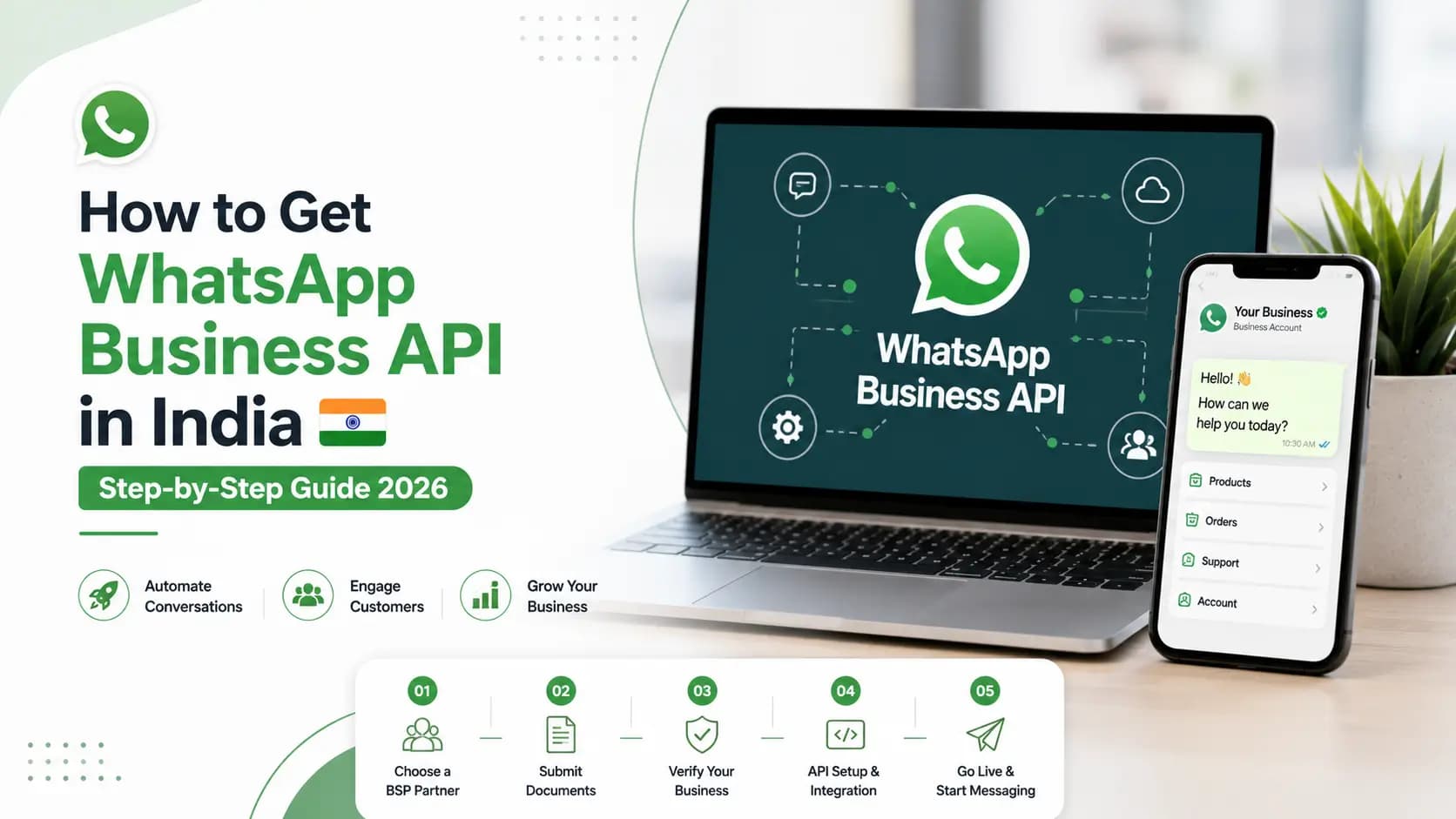
To get WhatsApp Business API in India, you need to: (1) have a registered business with a Meta Business Manager account, (2) complete Meta business verification with your company documents, (3) work through an authorised Meta Business Solution Provider (BSP) like Get Click Media, who registers your WhatsApp Business Account (WABA) and phone number on the WhatsApp Business Platform, and (4) get your message templates approved by Meta. Total time with Get Click Media: 3 to 5 business days.
WhatsApp Business API is not available for direct self-signup from Meta. Unlike the free WhatsApp Business App, the API requires onboarding through an authorised BSP. Get Click Media manages the entire process- you provide the documents and business details, and we handle everything else.
What You Need Before Starting
| Requirement | Details | Who provides it |
|---|---|---|
| Registered business entity | Private Limited, LLP, Proprietorship, Trust, or NGO registered in India | Your business |
| Meta Business Manager account | Create at business.facebook.com- or Get Click Media creates it for you | GCM can set up |
| Business verification documents | Certificate of Incorporation + GST certificate + business website | Your business |
| Dedicated phone number | Mobile, landline, or VoIP- cannot be in use on WhatsApp App | Your business |
| Business website | Active website with your business details- Meta checks this during verification | Your business |
| Business email | Official domain email (not Gmail) strongly recommended | Your business |
Step-by-Step: How to Get WhatsApp Business API
1. Contact Get Click Media to Begin
Reach out to Get Click Media via our website, WhatsApp, or phone. Share your business type, use case (marketing, support, OTP, or all), and expected monthly message volume. We provide a custom onboarding plan and pricing within 24 hours.
GCM handles everything from this point. You do not interact with Meta directly.
2. Create or Claim Your Meta Business Manager
Meta Business Manager (business.facebook.com) is the central hub for all Meta business assets. If you already have one for Facebook ads, we link your new WhatsApp account to it. If not, Get Click Media creates one for you. This takes 15 to 30 minutes.
You need admin access to your Meta Business Manager. GCM will request this access to set up your WhatsApp account.
3. Complete Meta Business Verification
Meta requires verification of your business identity before granting WhatsApp API access. You submit: Certificate of Incorporation (or GST certificate), business website URL, and business phone number. Meta reviews and approves- typically 1 to 3 business days. Get Click Media guides you through every form field. See our full Meta business verification guide for the complete document breakdown.
Businesses with an existing verified Meta Business Manager skip this step entirely- saving 1 to 3 days.
4. Register Your WhatsApp Business Account (WABA)
Get Click Media creates your WhatsApp Business Account under your verified Meta Business Manager. We upload your business name, logo, description, and the phone number you want to use. The phone number is registered on the WhatsApp Business Platform- it cannot be simultaneously active on WhatsApp Business App.
If your number is currently on WhatsApp Business App, it must be deregistered first. Existing chat history is preserved on the device.
5. Submit and Get Message Templates Approved
Business-initiated WhatsApp messages require pre-approved templates. Get Click Media drafts your initial templates- covering your primary use cases such as OTP, order confirmation, appointment reminder, and marketing campaign. We submit them to Meta and track approval. Most templates are approved within 1 to 3 business days.
Start with 3 to 5 essential templates. You can add more anytime after going live.
6. Access Platform and Send First Message
You receive access to Get Click Media's campaign dashboard and REST API credentials. Our onboarding team configures your first workflow or chatbot flow. We run a test send to verify delivery. First live message sent- you are live on WhatsApp Business API.
GCM stays available for your first week post-launch to address any issues immediately.
Go-Live Timeline
| Stage | Timeline | Who does the work |
|---|---|---|
| Initial consultation and plan | Day 1 | GCM + you (30-min call) |
| Meta Business Manager setup | Day 1 | GCM (or you, guided by GCM) |
| Meta business verification | Day 1–3 | GCM submits- Meta reviews |
| WABA creation and number registration | Day 3–4 | GCM handles completely |
| Template submission and approval | Day 2–4 (parallel) | GCM submits- Meta reviews |
| Platform access and first message | Day 4–5 | GCM configures- you approve |
| Total: go-live | Day 3–5 | - |
Can I Get WhatsApp Business API for Free?
No- WhatsApp Business API is not free. Meta charges per conversation (marketing: ₹0.79-0.91, utility: ₹0.14-0.17, service: free for the first 1,000 per month). Get Click Media charges a platform fee in addition. However, the first 1,000 customer-initiated service conversations per month are free. See full pricing at WhatsApp API pricing India, or use our pricing calculator to estimate your monthly cost.
What's New in the 2026 Setup Process
The fundamentals of getting WhatsApp Business API haven't changed, but two things now get built into onboarding by default rather than treated as an afterthought:
- Template review is stricter for AI/chatbot content. Meta expects automated messaging to stay scoped to concrete business tasks- order status, bookings, FAQs- rather than open-ended AI chat. Get Click Media designs your initial chatbot flow within this scope from day one. See our Meta AI chatbot policy compliance guide.
- Documented consent matters more. With India's DPDP Act in force, keeping a clear record of customer opt-in- not just collecting it- is part of standard onboarding. See DPDP Act compliance for WhatsApp messaging.
Neither of these adds time to the 3-5 day go-live above- they're folded into the template drafting and consent-collection steps you'd go through anyway.
Frequently Asked Questions
Can I apply for WhatsApp Business API directly from Meta? No. WhatsApp Business API access requires going through a Meta-authorised Business Solution Provider (BSP). Businesses cannot self-register directly on the WhatsApp Business Platform without a BSP. Get Click Media is an official Meta BSP- we handle your registration, verification, and ongoing account management.
How long does it take to get WhatsApp Business API in India? With Get Click Media managing the process, most businesses go live in 3 to 5 business days. The main variables are Meta's business verification timeline (1 to 3 days) and template approval timeline (1 to 3 days), which GCM runs in parallel to minimise total time.
Can I use my existing WhatsApp number for the API? Yes- you can use an existing number, but it must first be deregistered from WhatsApp Business App or consumer WhatsApp before being registered on the API. Your existing chat history stays on the device. Customers see the same number after migration- no disruption to them.
What documents are needed to get WhatsApp Business API in India? Certificate of Incorporation (or GST certificate for proprietorships), business website URL, business phone number, and a business email address. Get Click Media provides a complete documents checklist during the consultation call.
Can I get WhatsApp Business API for free? No- WhatsApp Business API is not free. Meta charges per conversation (marketing: ₹0.79-0.91, utility: ₹0.14-0.17, service: free for the first 1,000 per month). Get Click Media charges a platform fee in addition, but the first 1,000 customer-initiated service conversations per month are free.
What's different about getting WhatsApp Business API in 2026 versus earlier? The core onboarding steps- Meta Business Manager verification, WABA registration, and template approval- are unchanged. What's new for 2026 is tighter template review around AI/chatbot-driven messages (Meta expects bots scoped to concrete business tasks) and a stronger emphasis on documented customer consent, in line with India's DPDP Act. Get Click Media builds both into onboarding by default, so it doesn't add time to your go-live.
Get Started
Want the fully technical breakdown of what happens under the hood- Cloud API, webhooks, System Users? See our WhatsApp Business API setup guide. Curious how the API compares to the free consumer app? Read WhatsApp Business App vs Business API. Once you're verified, apply for the WhatsApp Green Tick to build customer trust, and check our template approval guide before you submit your first templates.
Get WhatsApp Business API- Start Onboarding · Request a Demo · View Pricing
Article topics
Frequently Asked Questions
Can I apply for WhatsApp Business API directly from Meta?
No. WhatsApp Business API access requires going through a Meta-authorised Business Solution Provider (BSP). Businesses cannot self-register directly on the WhatsApp Business Platform without a BSP. Get Click Media is an official Meta BSP- we handle your registration, verification, and ongoing account management.
How long does it take to get WhatsApp Business API in India?
With Get Click Media managing the process, most businesses go live in 3 to 5 business days. The main variables are Meta's business verification timeline (1 to 3 days) and template approval timeline (1 to 3 days), which GCM runs in parallel to minimise total time.
Can I use my existing WhatsApp number for the API?
Yes- you can use an existing number, but it must first be deregistered from WhatsApp Business App or consumer WhatsApp before being registered on the API. Your existing chat history stays on the device. Customers see the same number after migration- no disruption to them.
What documents are needed to get WhatsApp Business API in India?
Certificate of Incorporation (or GST certificate for proprietorships), business website URL, business phone number, and a business email address. Get Click Media provides a complete documents checklist during the consultation call.
Can I get WhatsApp Business API for free?
No- WhatsApp Business API is not free. Meta charges per conversation (marketing: ₹0.79-0.91, utility: ₹0.14-0.17, service: free for the first 1,000 per month). Get Click Media charges a platform fee in addition, but the first 1,000 customer-initiated service conversations per month are free.
What's different about getting WhatsApp Business API in 2026 versus earlier?
The core onboarding steps- Meta Business Manager verification, WABA registration, and template approval- are unchanged. What's new for 2026 is tighter template review around AI/chatbot-driven messages (Meta expects bots scoped to concrete business tasks) and a stronger emphasis on documented customer consent, in line with India's DPDP Act. Get Click Media builds both into onboarding by default, so it doesn't add time to your go-live.
About the author
Get Click Media creates practical resources for businesses using messaging, automation, analytics, and digital communication to improve customer engagement. This article was published on and was last reviewed on .