
In this article
Explore the key concepts, practical considerations, and frequently asked questions related to rcs chatbots: building automated flows for google messages.
Key takeaways
- RCS gives bots suggested replies, action buttons, rich cards, and typing indicators- structured tools plain SMS's 160-character limit cannot support.
- Most mature deployments go hybrid: rules-based flows cover 70-80% of predictable intents like order tracking, while AI handles free-text and ambiguity.
- Because RCS currently sits outside TRAI's commercial SMS classification, automated conversational flows generally avoid the DND and sending-window rules binding promotional SMS.
If you have already set up bulk SMS or RCS messaging for one-way campaigns, the natural next question is: can this channel talk back? With RCS, the answer is yes- and that is where automation and AI chatbots come in.
RCS was never designed to be a one-way broadcast channel. It was built for two-way, app-like conversations- suggested replies, tappable buttons, cards, and carousels that a customer can act on without leaving their messaging app. Pair that with an AI chatbot behind the scenes, and you get something closer to a lightweight customer service and sales assistant living inside Google Messages, rather than just another marketing blast.
Quick answer: RCS automation means connecting an AI chatbot or rules-based bot to your RCS Business Messaging number so that customer taps on suggested replies and buttons trigger automatic, real-time responses- order updates, support answers, booking flows, and recommendations- delivered as rich cards inside the customer's native messaging app. When the bot cannot resolve a query, the conversation hands off seamlessly to a human agent in the same thread.
Why RCS Is Built for Conversational Automation
Traditional SMS is a dead end for automation. A customer can reply to an SMS, but there is no structured way for a bot to present options, and there is a hard 160-character ceiling that makes multi-turn conversations painful. RCS vs SMS comparisons usually focus on rich media for marketing, but the more important difference for automation is structure.
RCS gives a bot four tools that SMS simply does not have:
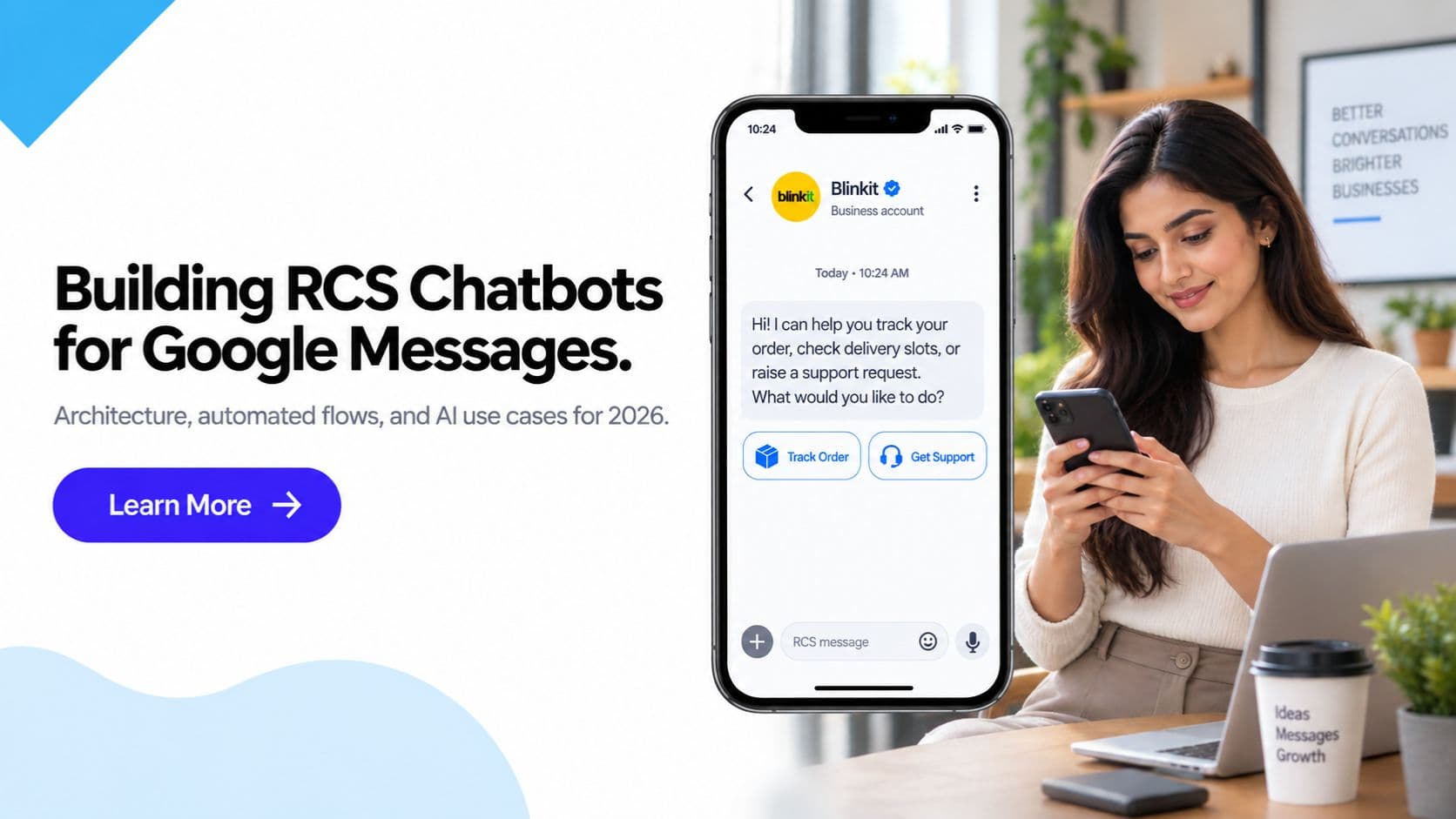
- Suggested replies- tappable chips like "Track my order" or "Talk to a human" that the customer taps instead of typing, removing ambiguity from what the bot needs to parse
- Suggested actions- buttons that open a map, dial a number, open a URL, or share the customer's location, all without leaving the thread
- Rich cards and carousels- structured visual responses with an image, title, description, and buttons, ideal for showing product options or order details
- Read and typing indicators- signals that let a bot (or a human agent taking over) know the customer is actively engaged
This is why RCS automation feels less like receiving a marketing message and more like using a lightweight app- and why it pairs so naturally with AI chatbots for conversational marketing.
How RCS Chatbot Architecture Works
At a technical level, an RCS-powered chatbot is not fundamentally different from a WhatsApp or web chatbot- the core pattern is webhook in, API call out.
The basic flow
- A customer taps a suggested reply, taps a button, or types a free-text message in an RCS conversation with your verified business sender
- The RCS platform (Get Click Media, in this case) receives that event and forwards it to your bot's webhook endpoint as a structured payload- who sent it, what they tapped or typed, and the conversation context
- Your bot logic- whether a simple rules engine or an LLM-based AI chatbot- decides what to do: fetch order status from your backend, query a knowledge base, or route to a specific conversation flow
- Your bot calls the RCS API to send a response- which can be plain text, a rich card, a carousel of options, or a fresh set of suggested replies
- The customer sees the response instantly in the same thread and can continue the conversation with another tap
This webhook-and-API loop repeats for every turn of the conversation, which is what makes it feel like a live chat rather than a broadcast. For businesses evaluating providers, our RCS API integration guide covers the technical requirements for wiring this up, including authentication, payload structure, and delivery callbacks.
Where the "intelligence" lives
The AI layer sits entirely on the business side of this architecture- the RCS platform's job is reliable delivery, carrier connectivity, and rendering, not deciding what the bot says. Most businesses connect one of three types of logic to their webhook:
- Rules-based decision trees- if the customer taps "Track order," fetch status from the order management system and reply with a card; simple, predictable, and sufficient for high-volume repetitive queries
- AI/LLM-based bots- a large language model interprets free-text queries, handles ambiguity, and generates natural responses, useful for support triage and open-ended questions
- Hybrid models- suggested replies handle the top 70-80% of predictable intents with rules-based flows, while free-text input falls back to an AI model for anything unstructured
Most mature RCS deployments end up hybrid: structured buttons for the common paths, AI for everything else.
Typical Build Steps
Regardless of whether you're building a rules-based flow or an AI-driven one, most teams that succeed with their first RCS chatbot follow the same five steps, in order:
- Define the flow's intent and scope. Pick one concrete job- order tracking, appointment booking, support triage- rather than trying to build a general-purpose assistant on day one. A narrow, well-scoped bot resolves more conversations successfully than a broad, vague one.
- Design the conversation branches. Map out the conversation on paper (or a flowchart tool) before writing code- what the bot says, what suggested replies it offers at each step, and where each branch leads, including the "I don't understand" and handoff paths.
- Connect to backend systems for data. Wire the bot to your order management system, CRM, or booking calendar so responses use live data- a static "your order is on the way" message is far less useful than a card pulling real tracking status.
- Test on real devices. Simulators don't always reflect how cards, carousels, and suggested replies render in Google Messages on Android versus the Messages app on iOS 18+- test both before launch.
- Monitor performance and refine. Track bot resolution rate, handoff rate, and suggested-reply tap rate (see the metrics table below) from week one, and use that data to tighten the conversation design.
Note that as with Meta's evolving policy stance on WhatsApp-side AI chatbots covered in our Meta AI chatbot policy guide, the same general best practice applies on RCS even though that specific policy is WhatsApp-focused: keep bots scoped to concrete, well-defined business tasks rather than open-ended conversation, since narrowly scoped bots are both more reliable and lower-risk from a platform-policy standpoint.
Business Use Cases for RCS Automation
Order tracking and delivery updates
This is the single most common use case for RCS automation in Indian e-commerce and logistics. Instead of a plain SMS saying "Your order is out for delivery," an automated RCS flow sends a rich card with a live map link, delivery partner details, and a suggested reply chip like "Change delivery address" or "Not available today"- both of which trigger the bot to reschedule automatically through the backend.
Example flow:
- Bot (automated): "Your order #GC4521 is out for delivery, arriving by 6 PM today." [Card: courier photo, tracking link] [Suggested replies: "Track live," "Reschedule," "Contact courier"]
- Customer taps: "Reschedule"
- Bot: "Sure- which time works better?" [Suggested replies: "Tomorrow morning," "Tomorrow evening," "Choose a date"]
- Customer taps: "Tomorrow evening"
- Bot: "Done. Your order is now scheduled for tomorrow, 4-8 PM. Anything else?"
No human agent touches this interaction at all, and the customer never has to open a separate tracking app or website.
Support triage
For customer support, an RCS bot acts as the first line of contact, resolving simple queries instantly and routing anything complex to a human. This reduces load on support teams while keeping response times near-instant for the majority of queries.
Example flow:
- Customer: "My payment failed but the amount got deducted"
- Bot (AI-triaged): "I'm sorry about that. Let me check- can you confirm the last 4 digits of the card or UPI ID used?"
- Customer replies with details
- Bot: "I can see the deduction. It typically reverses within 5-7 business days automatically. Would you like me to raise a priority refund ticket instead?" [Suggested replies: "Yes, raise ticket," "I'll wait," "Talk to a human"]
If the customer taps "Talk to a human," the conversation hands off instantly- see the handoff section below.
Lead qualification
For businesses running RCS as a demand-generation channel, a bot can qualify inbound leads from a campaign click before a sales rep ever gets involved, saving significant time for high-volume categories like real estate, education, and financial services.
Example flow:
- Customer taps "I'm interested" on a promotional RCS card for a home loan offer
- Bot: "Great! A couple of quick questions to find the best rate for you." [Suggested replies: "Salaried," "Self-employed"]
- Customer taps: "Salaried"
- Bot: "What loan amount are you looking for?" [Suggested replies: "Under ₹50L," "₹50L-1Cr," "Above ₹1Cr"]
- Customer taps their range
- Bot: "Thanks! Our loan specialist will call you within 2 hours. Would you also like an instant eligibility estimate?" [Suggested replies: "Yes," "No thanks"]
By the time a human sales rep calls, they already have budget, employment type, and intent- turning a cold call into a warm one.
Appointment and demo booking
Healthcare, salons, consultancies, and B2B SaaS businesses use RCS bots to handle scheduling end-to-end without a phone call, checking real-time slot availability against a calendar API and confirming instantly.
Example flow:
- Bot: "Hi! Ready to book your dermatology consultation?" [Card: doctor photo, specialty, next available slot] [Suggested replies: "Book this slot," "See other times"]
- Customer taps: "See other times"
- Bot sends a carousel of 3 available slots as swipeable cards
- Customer taps a slot
- Bot: "Confirmed for Thursday, 4:30 PM. You'll get a reminder 1 hour before. Need directions to the clinic?" [Suggested replies: "Yes, send map," "No thanks"]
Personalized product recommendations
E-commerce and D2C brands use purchase history and browsing behavior to drive AI-generated recommendations delivered as RCS carousels, letting customers browse and buy without opening the app or website.
Example flow:
- Bot (triggered by cart abandonment): "Still thinking about the running shoes in your cart? Here's 10% off if you complete your order in the next 2 hours." [Card: product image, discounted price] [Suggested replies: "Complete order," "Show similar styles"]
- Customer taps: "Show similar styles"
- Bot sends a carousel of 4 similar products based on browsing history, each with a "Buy now" button
Handoff to Human Agents
The most common failure point in chatbot deployments- on any channel- is a bot that gets stuck in a loop and frustrates the customer with no way out. Good RCS automation design treats human handoff as a first-class feature, not an afterthought.
A well-designed handoff typically triggers on any of these signals:
- The customer explicitly taps a "Talk to a human" suggested reply, available at every stage of the conversation
- The bot fails to confidently match intent after two or three attempts
- The query touches a sensitive category- refunds above a threshold, complaints, account security- that is routed to a human by policy regardless of bot confidence
- The customer's message sentiment indicates frustration, detected by the AI layer
When handoff triggers, the conversation and its full history are passed to the business's helpdesk or CRM, and a live agent responds inside the same RCS thread the customer has been using the entire time. There is no channel switch, no repeated "please explain your issue again," and no loss of context- which is the biggest usability advantage RCS handoff has over legacy IVR-to-call-center transfers.
Getting Started with RCS Automation
Businesses new to RCS automation typically follow a similar rollout path:
- Set up verified RCS sender- complete Google's RCS brand verification, a one-time process
- Start with one high-volume, low-complexity flow- order tracking or appointment reminders are common first flows because they are structured and easy to measure
- Connect the webhook- wire your bot logic or CRM to the RCS API for two-way message handling
- Layer in AI for free-text handling- once the structured flow is stable, add an AI layer to handle open-ended queries and edge cases
- Build the handoff path- integrate with your existing helpdesk so human agents can pick up flagged conversations without friction
- Expand to additional flows- support triage, lead qualification, recommendations, once the first flow proves out
Because RCS Business Messaging currently sits outside TRAI's commercial SMS classification, automated conversational flows are generally not bound by the same DND and sending-window rules that govern promotional SMS- though this should be treated as general guidance rather than legal advice, and businesses should confirm current rules with their compliance team. For campaigns that also use SMS as a fallback channel, standard DLT registration and TRAI compliance rules still apply to that portion of the traffic.
For a broader look at how RCS compares with other automation-friendly channels, see our guide on RCS vs WhatsApp for Indian businesses, and if you are building out statistics for a business case, our companion piece on RCS statistics for India has engagement and adoption figures worth citing internally.
Measuring the Impact of RCS Automation
Because RCS automation is a two-way channel with read receipts and tap tracking, it produces far richer performance data than one-way SMS or email automation. Businesses typically track:
| Metric | What it tells you |
|---|---|
| Bot resolution rate | Percentage of conversations closed without human handoff |
| Average turns to resolution | How many back-and-forth exchanges a typical query takes |
| Handoff rate | Percentage of conversations escalated to a human agent |
| Suggested-reply tap rate | How often customers use structured options vs free text |
| Time to first response | Near-instant for bot-handled flows, a key differentiator vs email or ticket-based support |
| Conversion rate (for sales/lead flows) | Percentage of qualified conversations that convert to sale or booking |
Tracking bot resolution rate against handoff rate over time is usually the clearest signal of whether the automation is genuinely reducing support load or just adding a frustrating extra step before a human gets involved- and it is worth reviewing monthly as flows are refined.
Bringing RCS Automation to Your Business
RCS automation is not a future capability- it is available today on Jio, Airtel, and Vi networks for Android devices with Google Messages, and on iPhones running iOS 18 and above. The businesses seeing the strongest results are the ones treating RCS not as "SMS with pictures" but as a genuine conversational channel, with a bot- AI-driven or rules-based- doing real work behind the scenes.
Get Click Media's RCS messaging platform provides the API, webhook infrastructure, brand verification, and SMS fallback needed to run automated conversational flows at scale, so your team can focus on designing the conversation rather than the plumbing underneath it.
Get Click Media is one of India's leading RCS messaging service providers, with direct carrier integrations with Jio, Airtel, and Vi. Our platform supports two-way conversational RCS with webhook-based bot integration, human agent handoff, and automatic SMS fallback- all from a single dashboard. Request a demo to see RCS automation built for your use case.
Article topics
Frequently Asked Questions
Can RCS messages be powered by an AI chatbot?
Yes. RCS Business Messaging supports two-way conversations, so an AI chatbot can sit behind your RCS number and respond automatically to customer taps and replies. When a customer taps a suggested reply or types a message, it is delivered to your bot via webhook, the bot processes it, and a response- including rich cards, carousels, and new suggested actions- is sent back through the RCS API in real time.
How is an RCS chatbot different from a WhatsApp chatbot?
An RCS chatbot runs inside the customer's native Google Messages or default messaging app rather than a separate WhatsApp app, so there is no install step and no opt-in message template approval process to navigate. RCS also renders richer native UI elements like suggested-reply chips and action buttons directly in the conversation thread, whereas WhatsApp relies more heavily on pre-approved message templates for business-initiated chats.
What can an RCS AI chatbot automate for a business?
A well-built RCS AI chatbot can automate order tracking updates, first-line customer support triage, lead qualification questions, appointment or demo booking, payment reminders, and personalized product recommendations. It can also detect when a query is too complex for automation and hand the conversation off to a live human agent without the customer having to repeat themselves.
Do I need to build my own AI to use RCS automation?
No. Businesses typically connect their existing chatbot, CRM, or support platform to an RCS API provider like Get Click Media through webhooks, rather than building AI or RCS infrastructure from scratch. The provider handles message formatting, delivery, carrier connectivity, and fallback to SMS, while the business's own logic or a third-party bot platform decides what to say.
Is RCS automation compliant with TRAI rules in India?
RCS Business Messaging is not currently classified as commercial SMS under TRAI's DLT and DND regulations, so automated RCS conversations are generally not subject to the same sending-window and DND restrictions that apply to promotional SMS. This is general guidance and not legal advice, so businesses running high-volume automated flows should confirm current requirements with their compliance team or provider.
How does handoff from an RCS chatbot to a human agent work?
When a chatbot detects a request it cannot resolve- based on keywords, repeated failed attempts, or an explicit customer request for a human- it flags the conversation in the business's helpdesk or CRM and a live agent takes over the same RCS thread. The customer continues chatting in the identical conversation window, with no channel switch and no need to repeat information already shared with the bot.
What industries benefit most from RCS chatbot automation?
E-commerce, banking and fintech, travel and hospitality, healthcare, and logistics see the strongest results from RCS chatbot automation because they handle high volumes of repetitive, structured queries- order status, appointment scheduling, balance checks, booking confirmations- that are well suited to automated, button-driven conversations.
Does RCS chatbot automation require a lot of technical setup?
Setup mainly involves Google brand verification for your RCS sender and connecting your bot logic to the provider's API through a webhook- most businesses can go live within one to two weeks. Get Click Media handles brand verification, carrier connectivity, and API access, so internal teams typically only need to build or configure the conversation logic itself.
What are the typical steps to build an RCS chatbot flow?
Most teams follow five steps: define the flow's intent and scope (pick one job, like order tracking, not a general-purpose bot), design the conversation branches on paper before writing any code, connect the bot to backend systems so responses use real data rather than static text, test on real devices across Android and iOS since rendering can differ from a simulator, and monitor performance after launch- resolution rate, handoff rate, and tap-through on suggested replies- to refine the flow over time.
About the author
Get Click Media creates practical resources for businesses using messaging, automation, analytics, and digital communication to improve customer engagement. This article was published on and was last reviewed on .